JSON · JSON Lines · CSV · YAML · XML
A 1 GB JSON file. Just another browser tab.
Tree, table, graph, queries, diff and history.
Big files stay fast. Your data stays on your device.
Or drop a file anywhere on this page.
Free, and it runs in your browser. Nothing is uploaded or kept.
How big is your JSON?
Pick a size. See which listed limits it exceeds.
- AI toolsPaid-plan limitsLimit exceeded5–20 MB
- Open-source viewerReported failureReported failure22 MB
- Desktop viewer (web)Web version limitLimit exceeded50 MB
- Big-file viewerOur testFailed in our test500 MB
- Online editorsClaimed limitClaimed limit exceeded512 MB
- GigaJSONOpened in our testWithin tested size1 GB
Only one left standing.Open large files locally. Run the demo to measure speed on this device.
Run the demoLimits come from each tool's stated caps, user reports or our own tests. Measured on an Intel i5-9300H in Chrome, September 2026. More on this: how to open a large JSON file.
One document, every view
The same data as a tree, a graph, a table or a query result. Switch between them the way you would in the app.
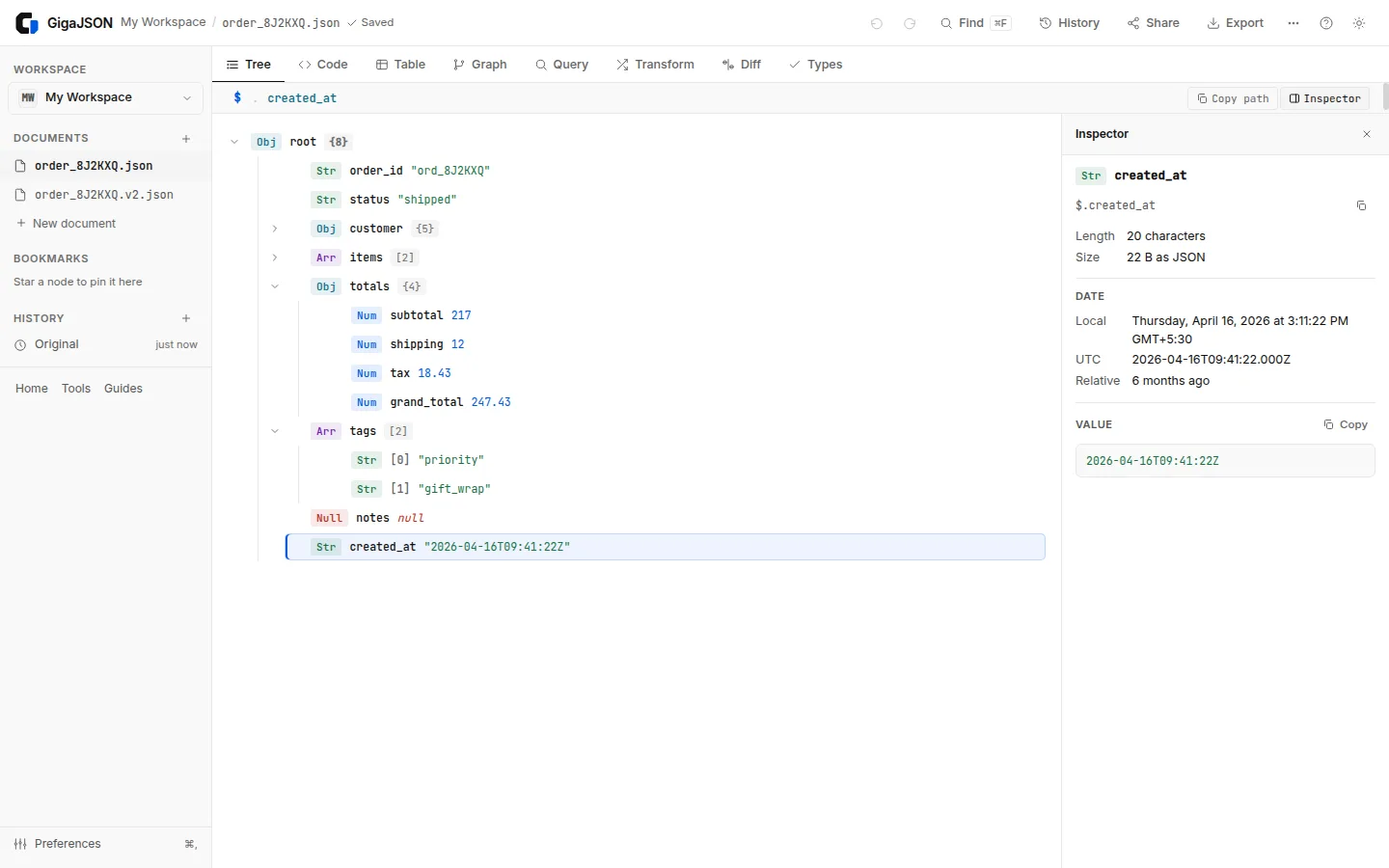
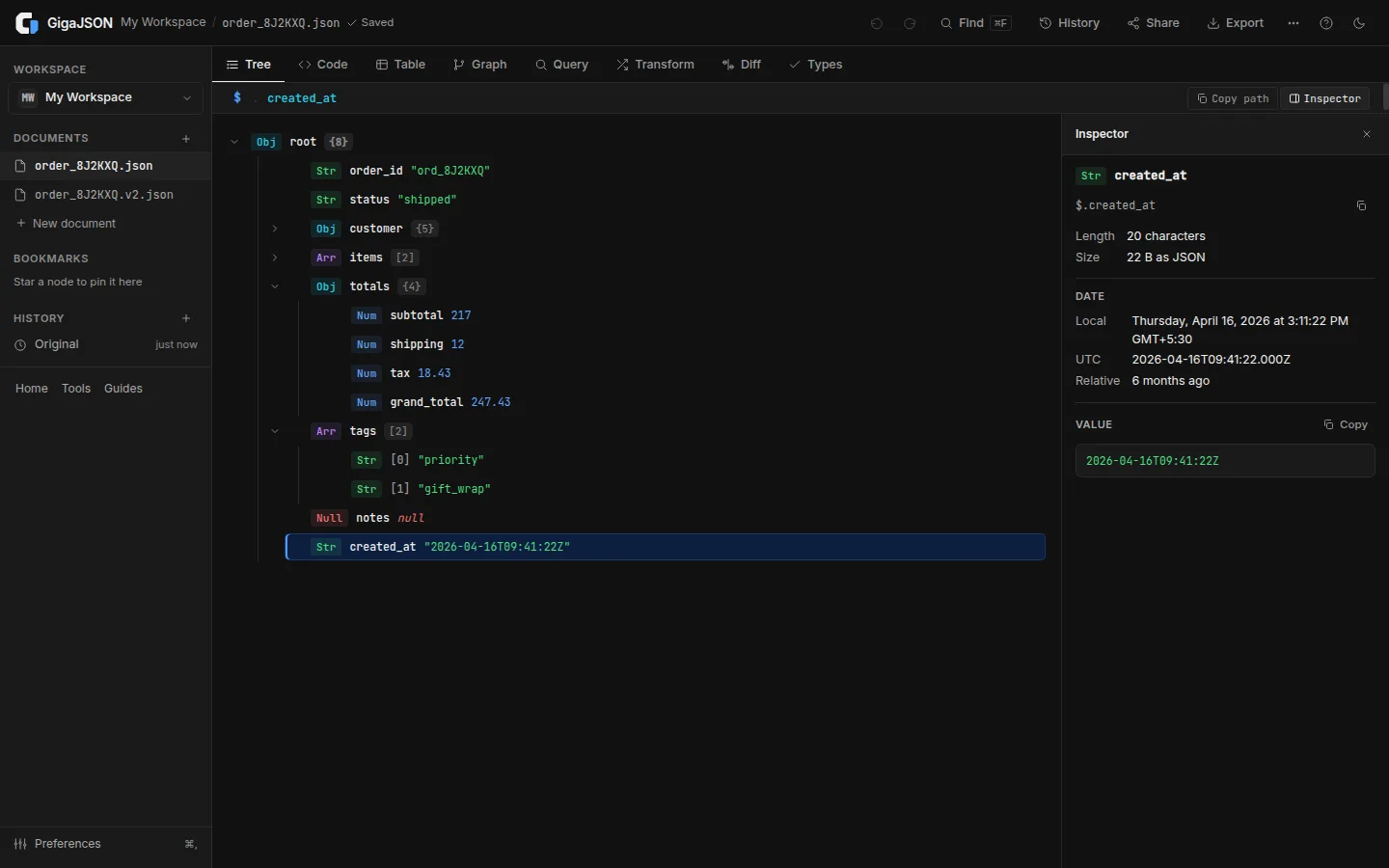
Tree and Inspector
Browse and edit any document as a tree. The Inspector shows the selected value in full: a date in your time zone, a colour, an image, a decoded JWT. It also lists the same field across the rest of the list.
Graph
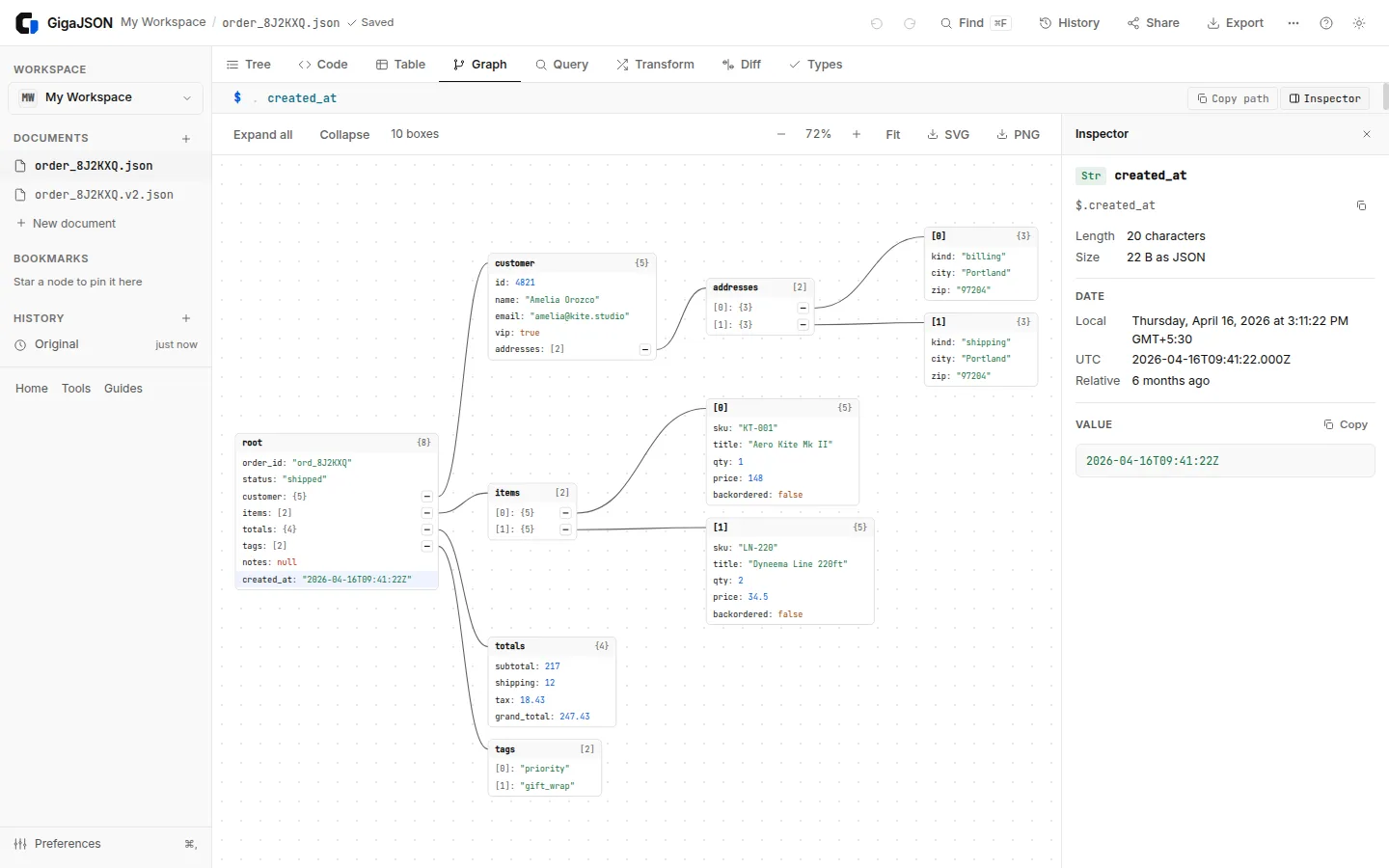
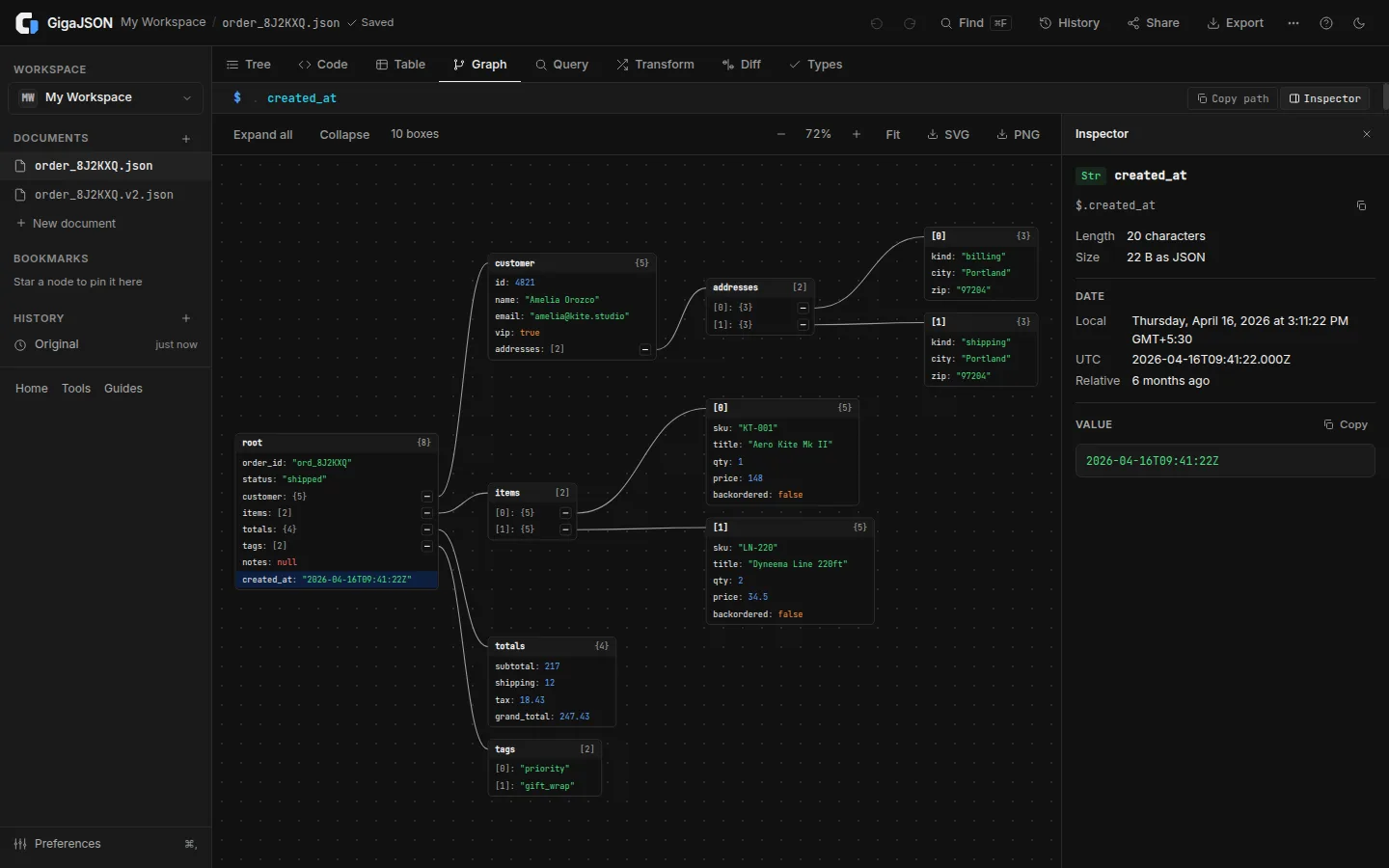
See the shape of the data as boxes and links. Open only the branches you need, zoom, and export PNG or SVG.
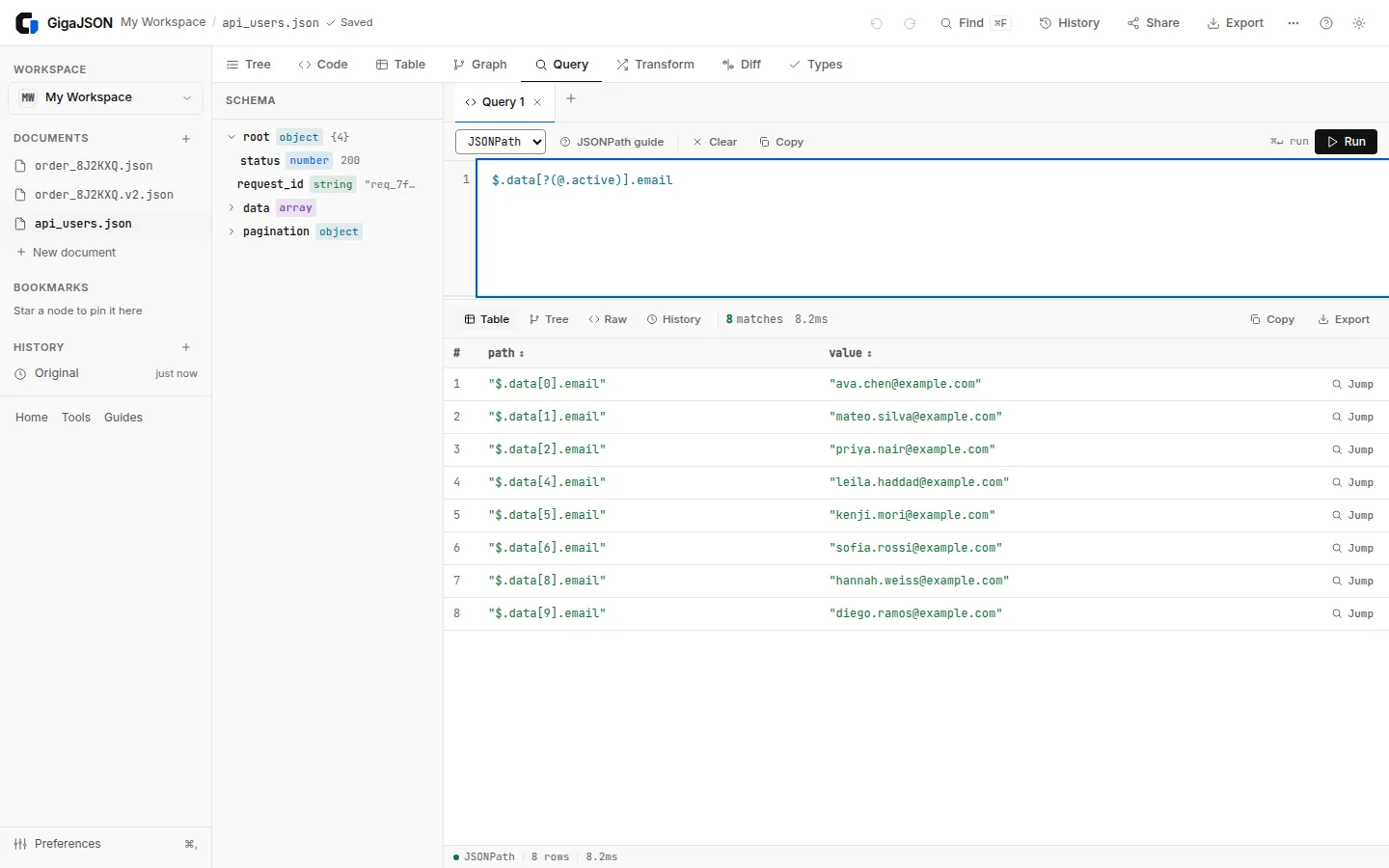
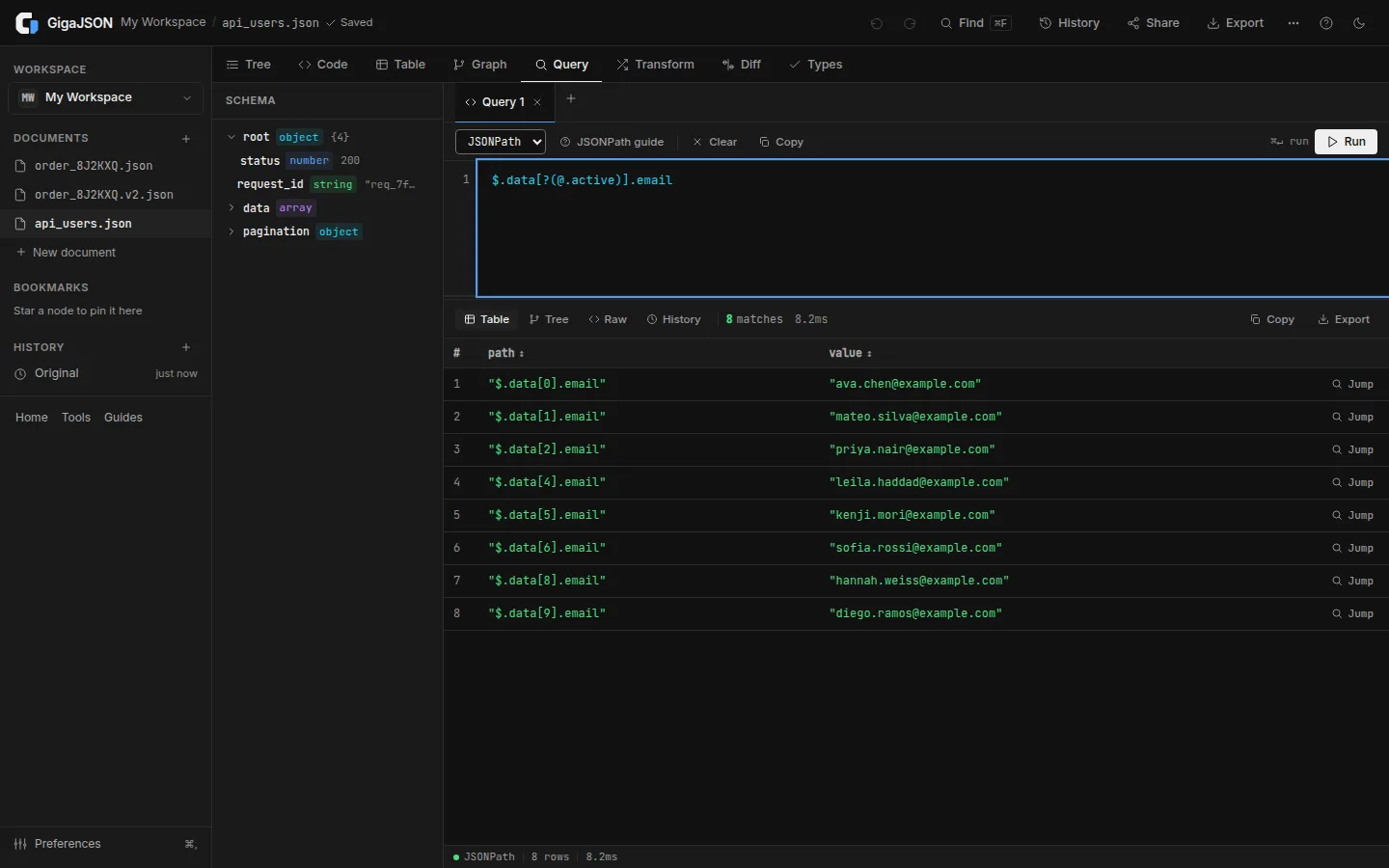
Query
JSONPath, JMESPath and jq, with suggestions as you type. Results update live, and you can copy or save a whole result however large it is.
Table
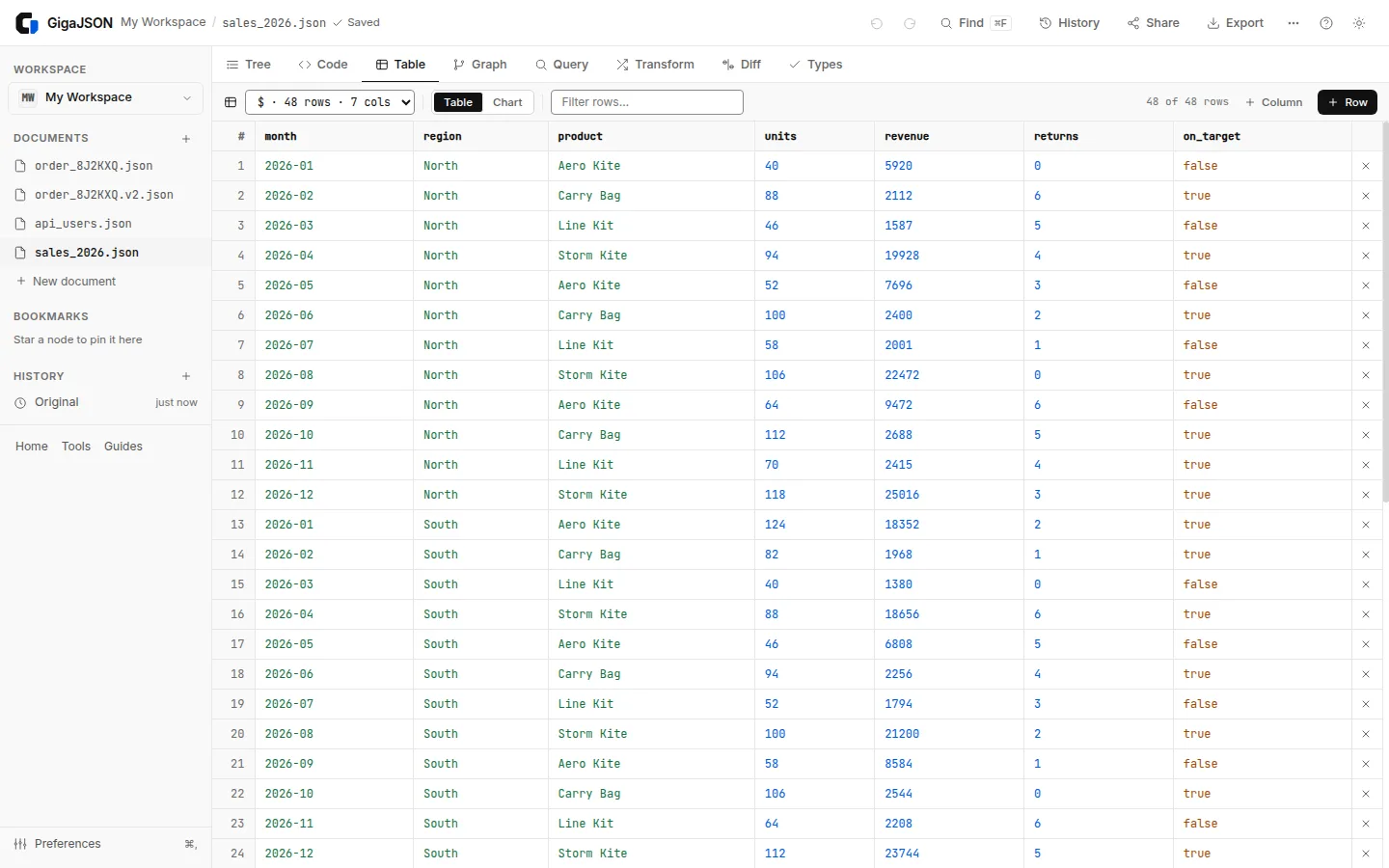
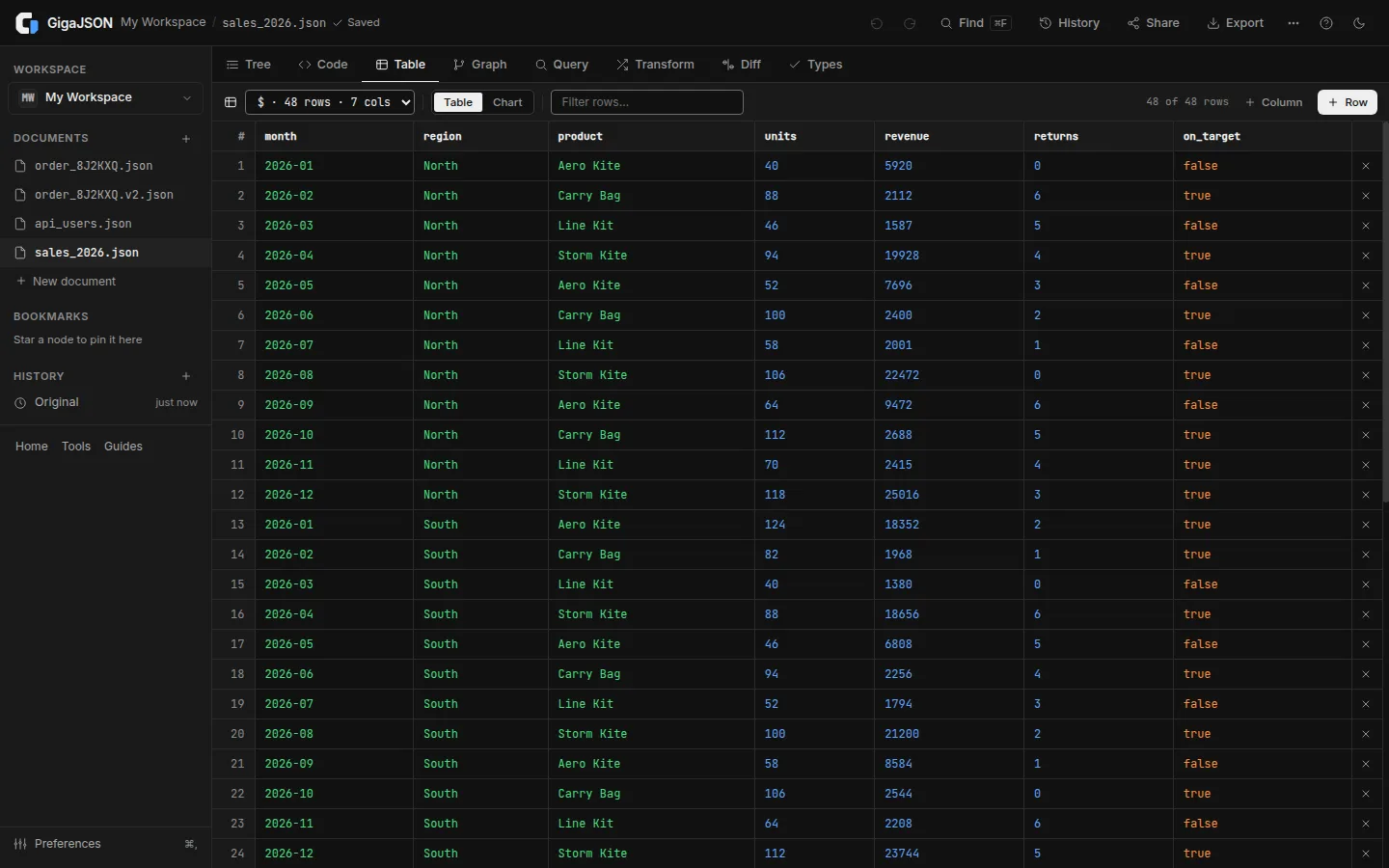
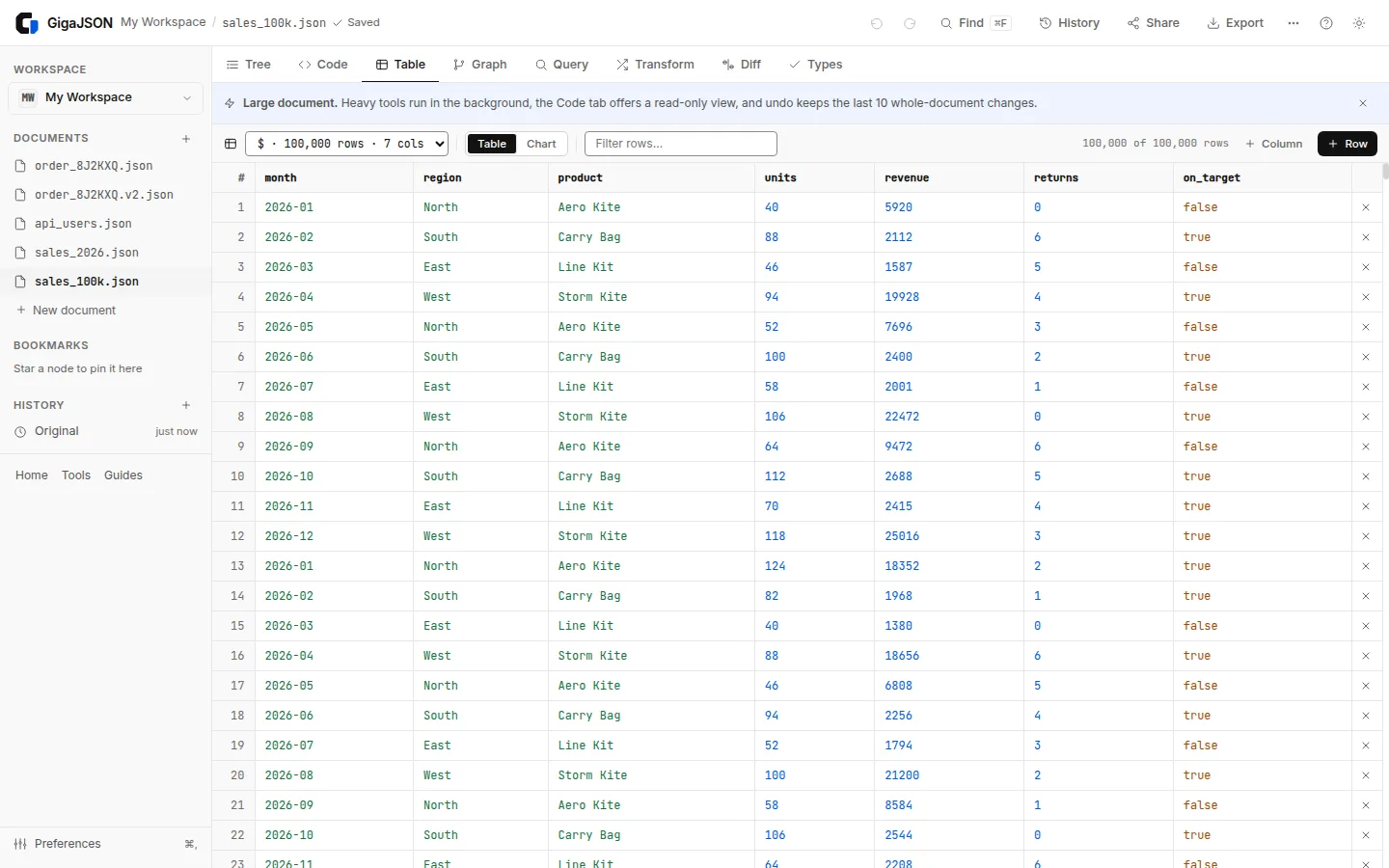
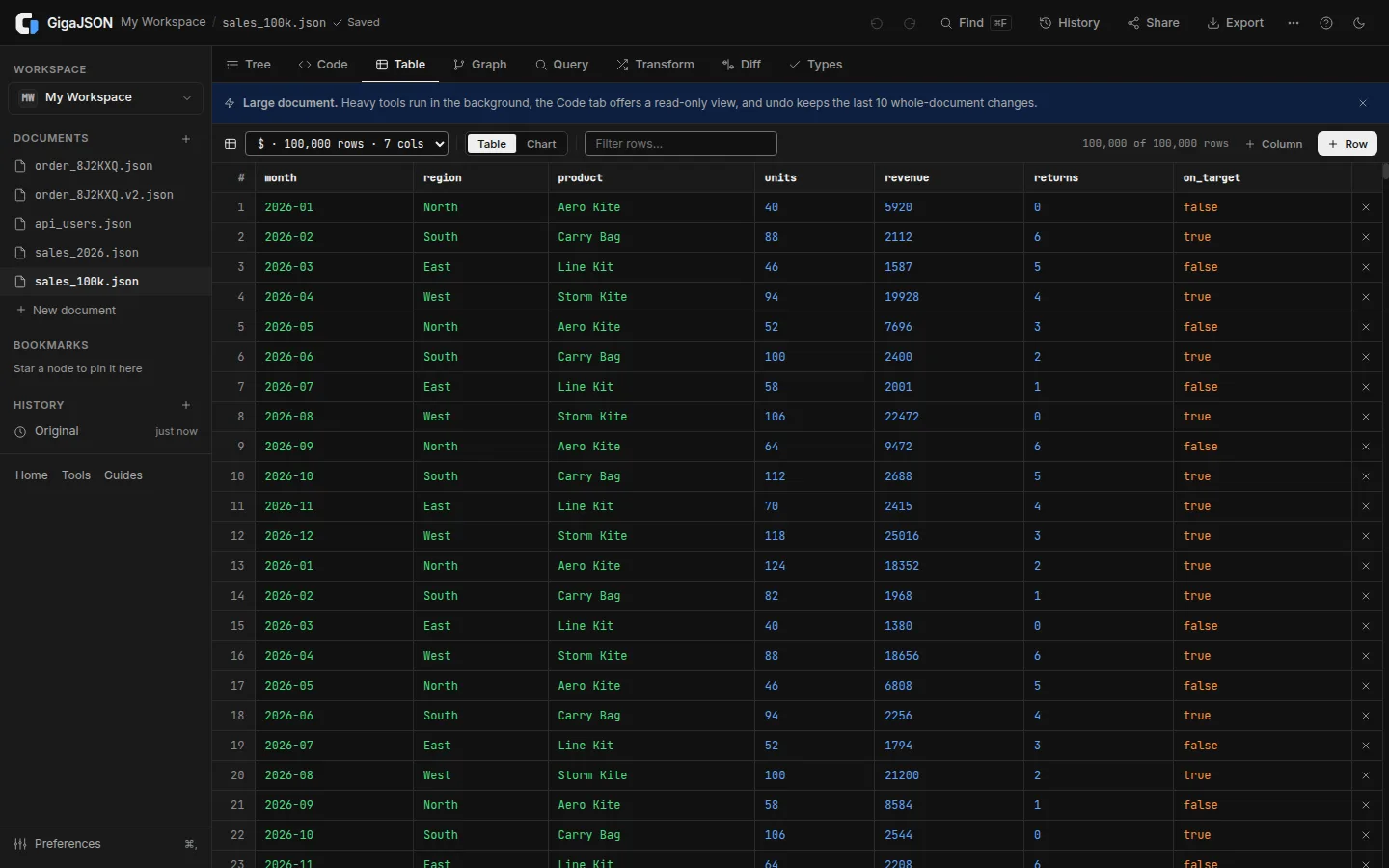
A list of objects becomes a table you can sort, filter and chart. Edit cells, add rows and columns.
Big documents
Every view reads from a background worker and draws only what is on screen, so a 100,000-row table scrolls like a 10-row one.
Your file never shows up here.
This is everything GigaJSON loads over the network. Your documents are opened, edited and saved inside your browser.
- Nothing uploadedFiles are read on this device, never sent to a server.
- No accountNothing to sign up for. Documents stay in this browser.
- Keeps working if the connection dropsOnce it's open, nothing here needs the network.
27 free tools
Small pages that each do one job, on the same engine as the app. No sign-up, and nothing is uploaded.
- JSON FormatterIndent with 2 or 4 spaces, sort keys
- JSON ValidatorLine and column of the first error
- JSON MinifierRemove whitespace, see the bytes saved
- JSON RepairFixes quotes, commas, comments, AI output
- JSON Schema GeneratorA JSON Schema from examples
- Large JSON ViewerTree, table and search for huge files
- JSON Lines ViewerJSONL and NDJSON logs as a table
- JSON VisualizerThe data as a graph, PNG and SVG export
- JSON DiffChanges between two documents
- JSON Path FinderClick a value, copy its path
- JSONPath TesterJSONPath, JMESPath and jq, live
- JMESPath PlaygroundJMESPath, for AWS CLI queries too
- jq PlaygroundReal jq in your browser
- JSON to CSVNested objects become dotted columns
- CSV to JSONDelimiters detected, 007 stays 007
- JSON to XML@keys become attributes
- XML to JSONRSS feeds, sitemaps, SOAP responses
- JSON to YAMLReadable YAML, ambiguous strings quoted
- YAML to JSONAnchors and multiple documents
- JSON Lines to JSONNDJSON or JSONL into one array
- JSON to TypeScriptInterfaces inferred from your data
- JWT DecoderHeader, payload and expiry, locally
- JSON EscapeText to a JSON string and back
- Sample JSON FilesDownload test JSON, 100 KB to 1 GB
- Sample CSV FilesDownload test CSV, 100 KB to 1 GB
- Sample XML FilesDownload test XML, 100 KB to 1 GB
- Large JSON File GeneratorTest data from 100 KB to 1 GB
Questions, answered
The short version of how GigaJSON works.
Is GigaJSON free?
Yes. The app and the tools are free to use, with no account.
Where is my data?
In your browser, on your computer. Nothing you open is uploaded; documents are saved in the browser's storage for this site until you delete them.
How big can a file be?
JSON and XML up to 1 GB, depending on your computer's memory (Preferences → Largest document). CSV/YAML input and JSON repair are limited to 128 MB; jq and text editing have smaller limits. Large files can take tens of seconds to open. Run the live demo to measure this device.
Does it need an internet connection?
To load it, yes. Once its tools have loaded, you can keep working on local documents if the connection drops. Reloading and URL imports need a connection. Your documents are saved in the browser, and a notice tells you when you're offline.
Does GigaJSON send anything about me?
Not your documents, their names or the addresses you open. It uses Google Analytics to count which pages and features get used (sizes only in ranges, like "a 10–50 MB file") and to report errors. In Europe it asks before setting cookies. The privacy policy has the details.
Which formats can it open?
JSON, JSON Lines (NDJSON), CSV, YAML and XML, which opens as JSON. It exports JSON, CSV, YAML, XML and TypeScript types. Broken JSON can be repaired, and you see every change.
Something else? contact@gigajson.com · Privacy policy