How to reduce JSON tokens for AI prompts
· 5 min read · By GigaJSON
An API response can contain much more data than an AI prompt needs. A question about four devices might arrive with inventory metadata, agent versions, timestamps and dozens of repeated field names. Before copying the whole response, it helps to see what you are actually sending.
GigaJSON's JSON Token Counter lets you count the input, compare compact JSON with TOON, and choose the fields or rows to include. The separate JSON to TOON converter handles a straight conversion when you want to keep everything. Both run locally in your browser, are free, and need no account or AI API key.
Here is a worked example, including a case where compact JSON is the smaller choice.
Start with the question you want answered
GigaJSON grew out of work with large device and usage exports from services such as Jamf and Intune. For this guide, we use a small synthetic inventory rather than real machine data.
Suppose your question is: Which devices are marked non-compliant, and what platform does each use? The example has four device records with these fields:
id,platformandcompliantdepartment,lastSeenandagentVersion
It also has a metadata object describing the export. For this particular question, the first three fields are enough. For a question about outdated agents, you would need to keep agentVersion too. Choose the data around the task before trying to make the text smaller.
You can reproduce the example by clicking Example in either tool, or opening the sample device inventory. The sample is deliberately small enough to review by eye.
Compare compact JSON and TOON with all data included
First, leave all the data selected. We measured the built-in example using the same analysis code as the tools:
| Representation | Tokens | Data included |
|---|---|---|
| Original JSON, indented with two spaces | 270 | All fields, all four devices and metadata |
| Compact JSON | 171 | All fields, all four devices and metadata |
| TOON | 127 | All fields, all four devices and metadata |
Compact JSON removes unnecessary formatting whitespace. TOON also changes how the structure is written. In this example, TOON uses 44 fewer tokens than compact JSON, a reduction of 25.7%. That comparison keeps the data the same; it does not count removing fields as a format improvement.
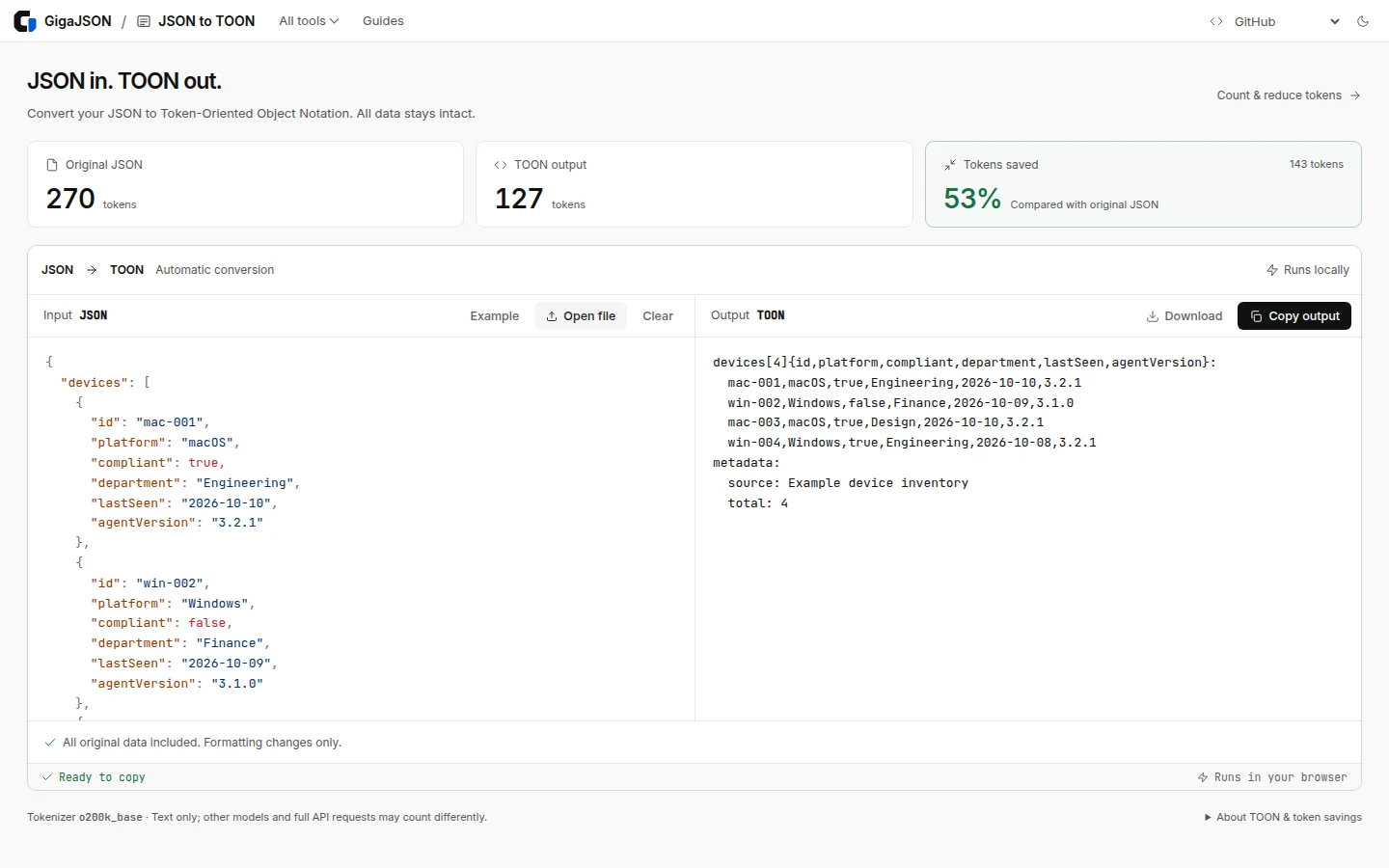
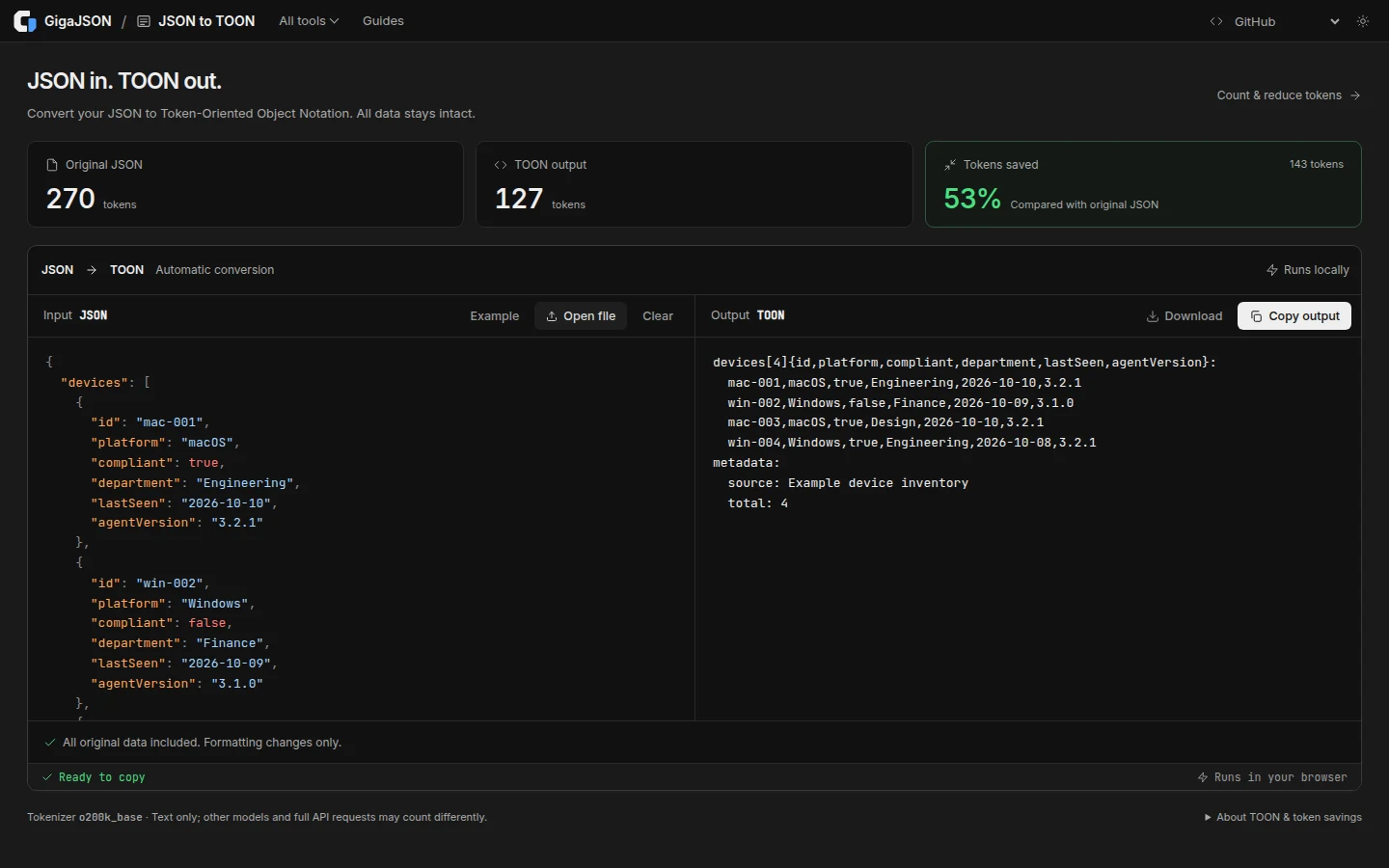
TOON stands for Token-Oriented Object Notation. It can write shared field names once for an array of similar records, followed by rows of values. Its official format documentation explains the structure and the cases where another format may be a better fit.
The converted example starts like this:
devices[4]{id,platform,compliant,department,lastSeen,agentVersion}:
  mac-001,macOS,true,Engineering,2026-10-10,3.2.1
  win-002,Windows,false,Finance,2026-10-09,3.1.0
  mac-003,macOS,true,Design,2026-10-10,3.2.1
  win-004,Windows,true,Engineering,2026-10-08,3.2.1
metadata:
  source: Example device inventory
  total: 4
The converter decodes its TOON output and compares it with the parsed input before making the result available. If your next step requires valid JSON syntax, choose compact JSON instead: a JSON parser cannot read TOON directly.
Keep only the fields your prompt needs
In the JSON Token Counter:
- Load the example and open Select data.
- Under Data to include, choose
devices. - Open Keep fields and keep
id,platformandcompliant. - Leave First rows empty to keep all four devices.
- Compare Compact JSON and TOON, then review the output.
The selected data uses 64 tokens in compact JSON and 44 tokens in TOON. The TOON output is:
[4]{id,platform,compliant}:
  mac-001,macOS,true
  win-002,Windows,false
  mac-003,macOS,true
  win-004,Windows,true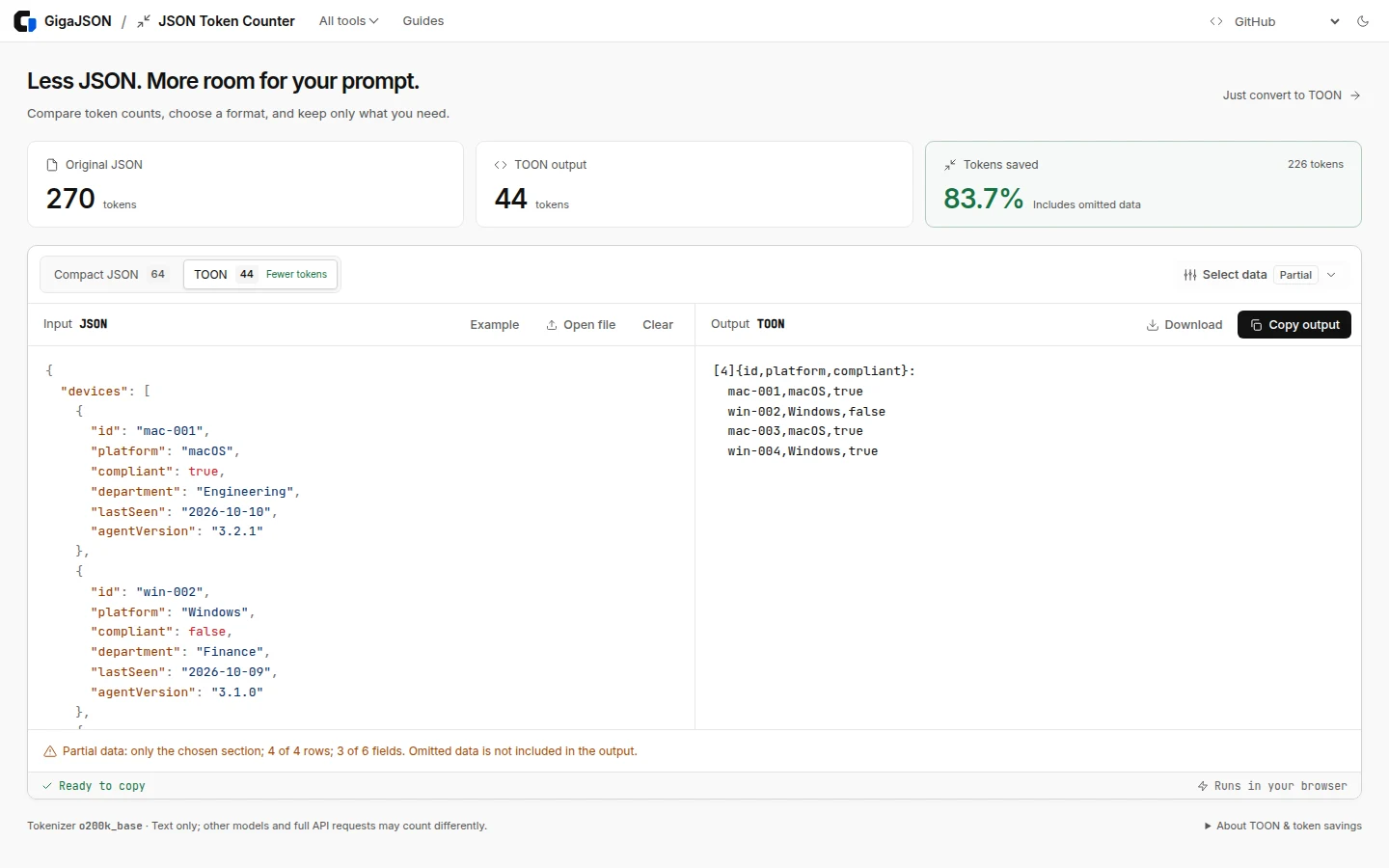
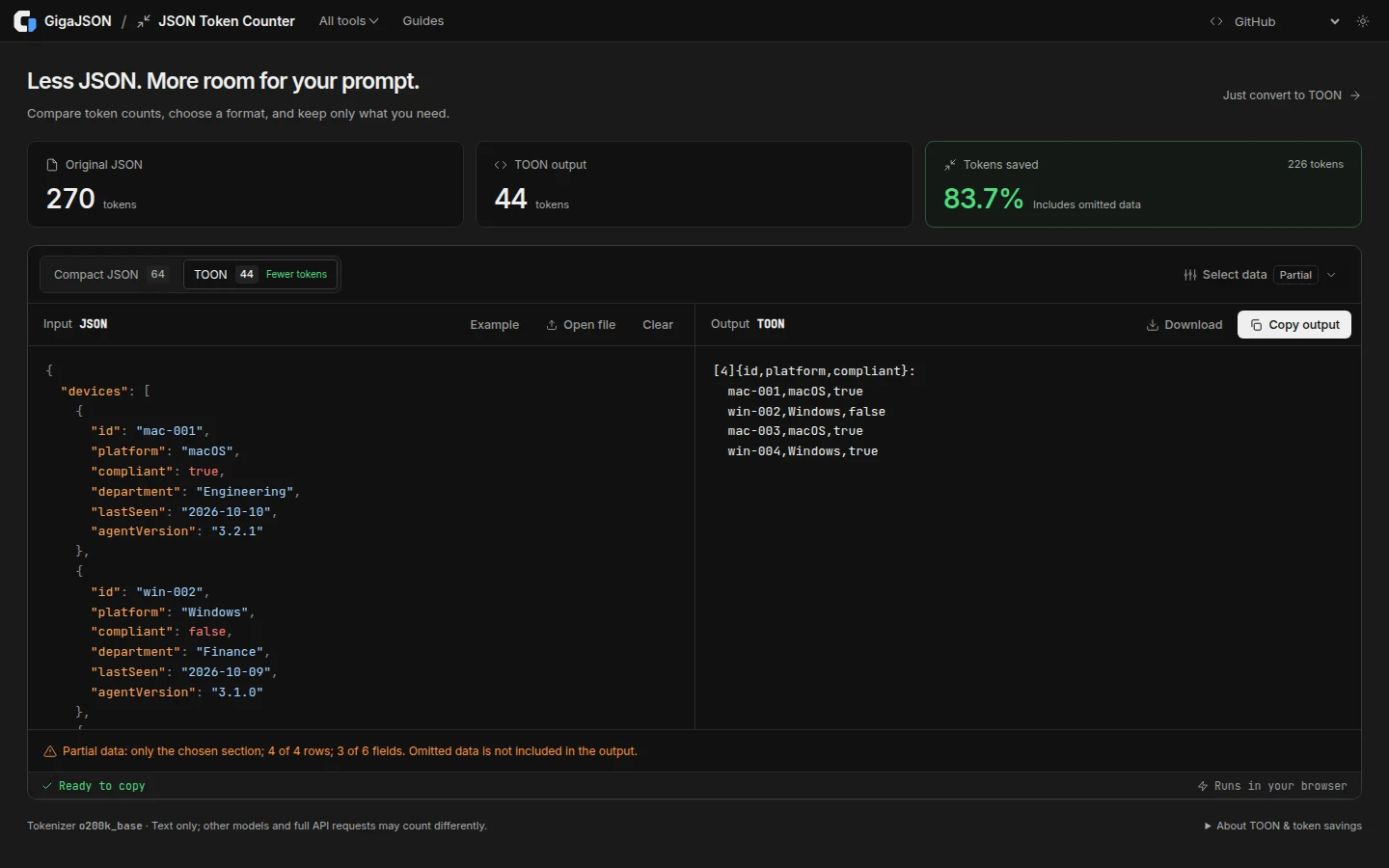
This output leaves data out. It no longer contains the export metadata, departments, timestamps or agent versions. The tool marks it as partial data, and the original input stays unchanged. The reduction from 270 to 44 tokens includes those omissions; it is not a lossless compression result.
The row control keeps the first rows. It does not find all matching records or take a representative sample. If you need every non-compliant device in a larger inventory, filter by that condition first; keeping the first ten devices could miss the ones you need.
A smaller example where compact JSON wins
Now try this small JSON example:
{
  "a": 1,
  "b": [
    1,
    2,
    3
  ],
  "c": {
    "d": true
  }
}| Representation | Tokens |
|---|---|
| Original formatted JSON | 41 |
| Compact JSON | 19 |
| TOON | 22 |
All three represent the same values. Here, compact JSON is smaller by three tokens. A format that helps a repeated inventory does not automatically help every document. Measure your own input before choosing.
Add context around the data
A short instruction can explain the task and the selected fields. For the four-device output above, you could use:
The data below is a device inventory in TOON format.
The header lists the fields; each following row is one device.

List the id and platform of devices where compliant is false.
Use only these records. Do not infer why a device is non-compliant.
This extract includes all four devices, but omits other fields.

[Paste the prepared output here]
This is a prompt template, not an AI answer generated by GigaJSON. Check the model's response against the source records. A smaller input does not establish that an answer is correct, or that the model will interpret every format equally well.
What the counts and limits mean
These examples were measured on 13 October 2026, using gpt-tokenizer 4.0.0 with o200k_base, and @toon-format/toon 4.4.0. Counts cover the exact data text, without an extra trailing newline. The downloadable examples preserve that text. The tokenizer project documents its supported encodings.
The counts exclude the surrounding prompt, conversation history, tool definitions and response. Other tokenizers can give different results. Use them to compare these representations, rather than as a final API billing quote. We did not call an AI model or measure response accuracy for these examples.
Both tools accept JSON up to 2 MiB and 64 nesting levels. These are separate from the main editor's large-file tree and table limits. For a large export, use the editor to inspect and extract the relevant data first; the query guide covers ways to select records. Keep the chosen query engine's own size limit in mind.
The tools reject duplicate keys and numbers that would lose precision during parsing. Resolve those cases in the source data before preparing a prompt. Token reduction also does not automatically remove secrets: review the fields and values you intend to share. File contents stay local during preparation; pasting the output into an AI service sends that selected data to the service.
Try it with your own JSON
Open the JSON Token Counter to compare formats and choose what to include. If you want a conversion with all supported input values preserved, use JSON to TOON. Start with one real question, keep the data needed to answer it, and inspect the result before copying it into your prompt.