Compare two JSON files: values, key order and saved history
· 4 min read
A useful JSON comparison should tell you whether the data changed, not bury the answer under indentation and shuffled object keys. Open GigaJSON JSON Diff, provide the before and after documents, and leave Ignore key order enabled to compare values with consistent key ordering.
This guide uses two small configuration files you can copy, then shows when to move from a one-off comparison into the workspace's saved history. The examples and screenshots use synthetic data.
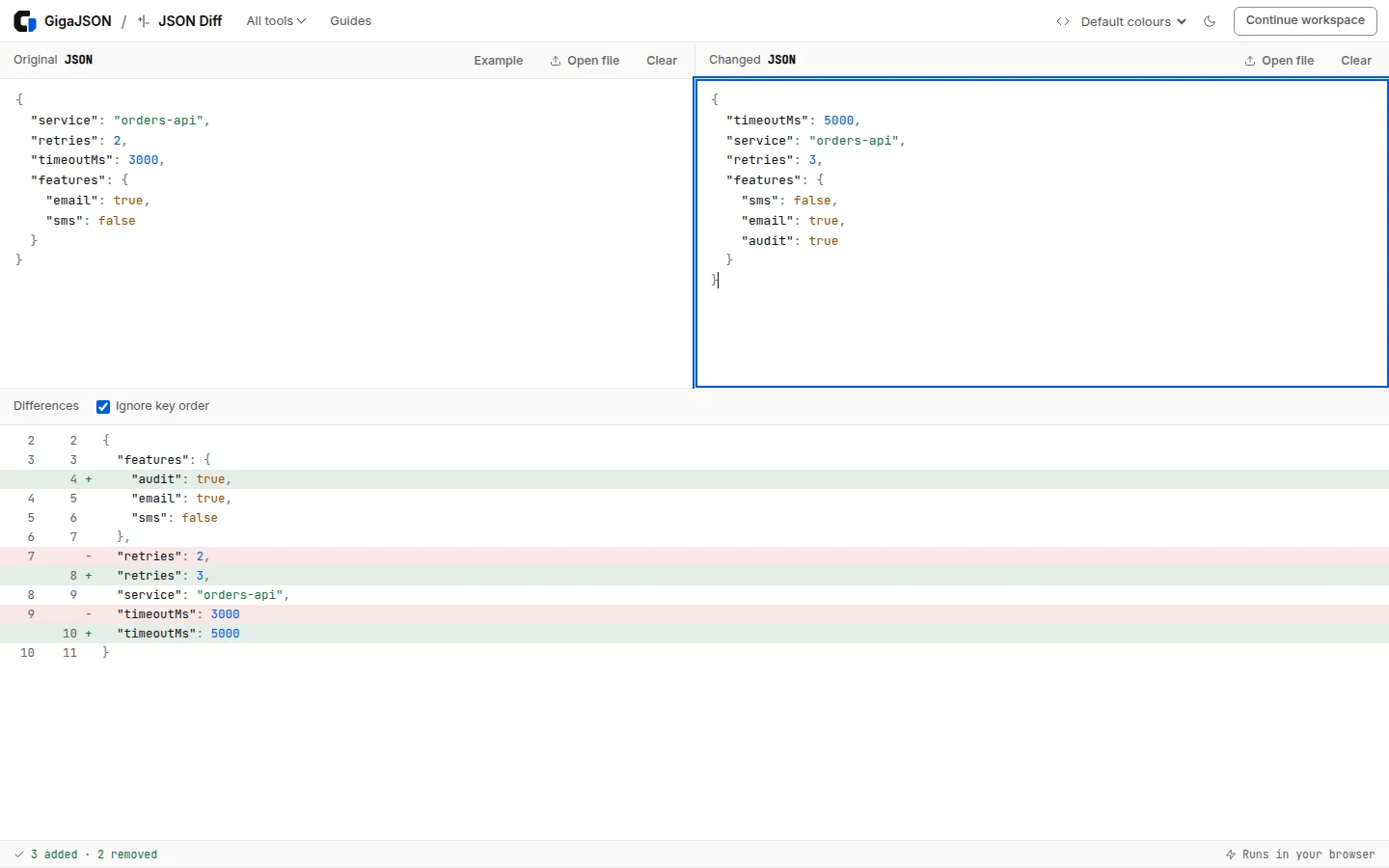
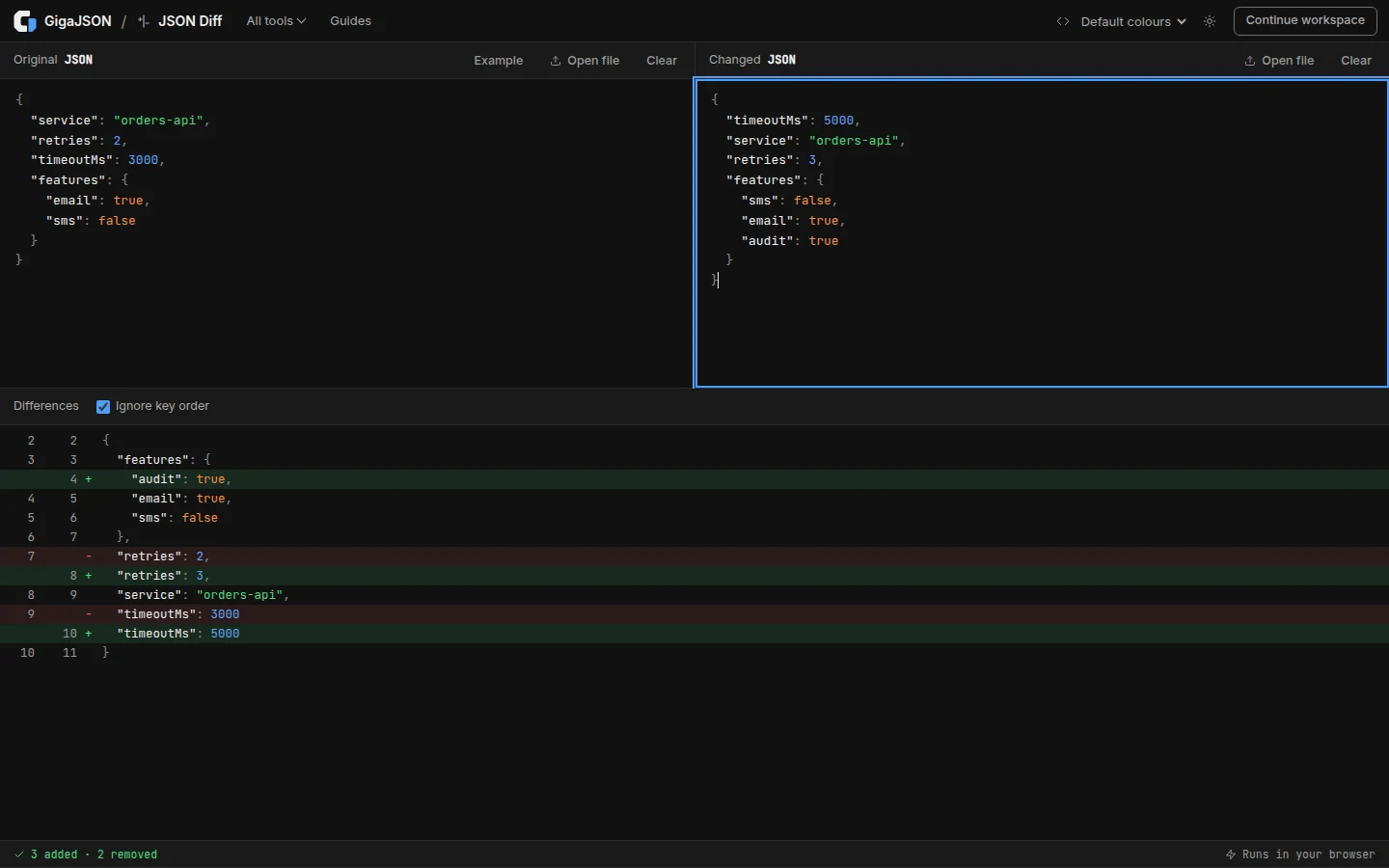
A before-and-after example
Save or paste this as the first document:
{
  "service": "orders-api",
  "retries": 2,
  "timeoutMs": 3000,
  "features": {
    "email": true,
    "sms": false
  }
}
Use this as the second:
{
  "timeoutMs": 5000,
  "service": "orders-api",
  "retries": 3,
  "features": {
    "sms": false,
    "email": true,
    "audit": true
  }
}
There are three changes to investigate: retries increased from 2 to 3, timeoutMs increased from 3000 to 5000, and features.audit was added. The positions of service, email and sms changed in the text, but their values did not.
In the JSON Diff tool:
- Paste the first document into Original, or use its Open file button.
- Paste the second into Changed, or choose the second file.
- Keep Ignore key order checked. The result updates after both inputs parse.
- Read the added and removed lines in the result. A replaced value may appear as one removed line and one added line; the line counts are not a count of changed JSON properties.
The input and comparison stay in your browser. No account or document upload to a processing server is required. The site's separate analytics is described in the privacy policy.
Object order and array order are different
An object associates names with values. For most JSON data comparisons, these objects should be treated as equivalent:
{"name": "Ada", "active": true}{"active": true, "name": "Ada"}The JSON specification describes objects as unordered collections, while arrays are ordered sequences. That distinction is why the diff tool can ignore object key order without ignoring array positions. JSON specification, RFC 8259
These arrays are different:
["queued", "running", "complete"]["complete", "running", "queued"]Order can encode a timeline, priority or ranking. Silently sorting every array would hide a real change in those cases.
If an API returns a collection in an unpredictable order, decide what identifies a record. A comparison by id requires matching those records first; an ordinary text diff is not a database join.
Normalize only what your comparison should ignore
For a small array of records whose unique string IDs define identity, a jq query can produce a consistent order:
sort_by(.id)For example, applying it to this input:
[{"id": "b", "total": 20}, {"id": "a", "total": 10}]returns:
[{"id": "a", "total": 10}, {"id": "b", "total": 20}]Run the same normalization on both inputs before comparing. You can try this in the jq Playground; the jq manual documents sort_by. Check that IDs are unique first: duplicate IDs make a comparison by identity ambiguous, and sorting does not solve that ambiguity.
Timestamps or request IDs are another common source of noise. If your test intentionally ignores a volatile field, remove that field from both working copies, document the decision, and keep the originals. Do not erase fields merely because they make the diff inconvenient.
Use History when you are changing one document
Two pasted inputs are convenient for a one-off check. When you are repeatedly editing a payload, use the GigaJSON workspace so the before state stays connected to the document.
Open the document and go to History. Save a restore point before an important change, make the edit, then select the saved version. Changes compares it with the current document; Full JSON previews the saved content. Compare opens the detailed diff when the selected version differs from the current document.
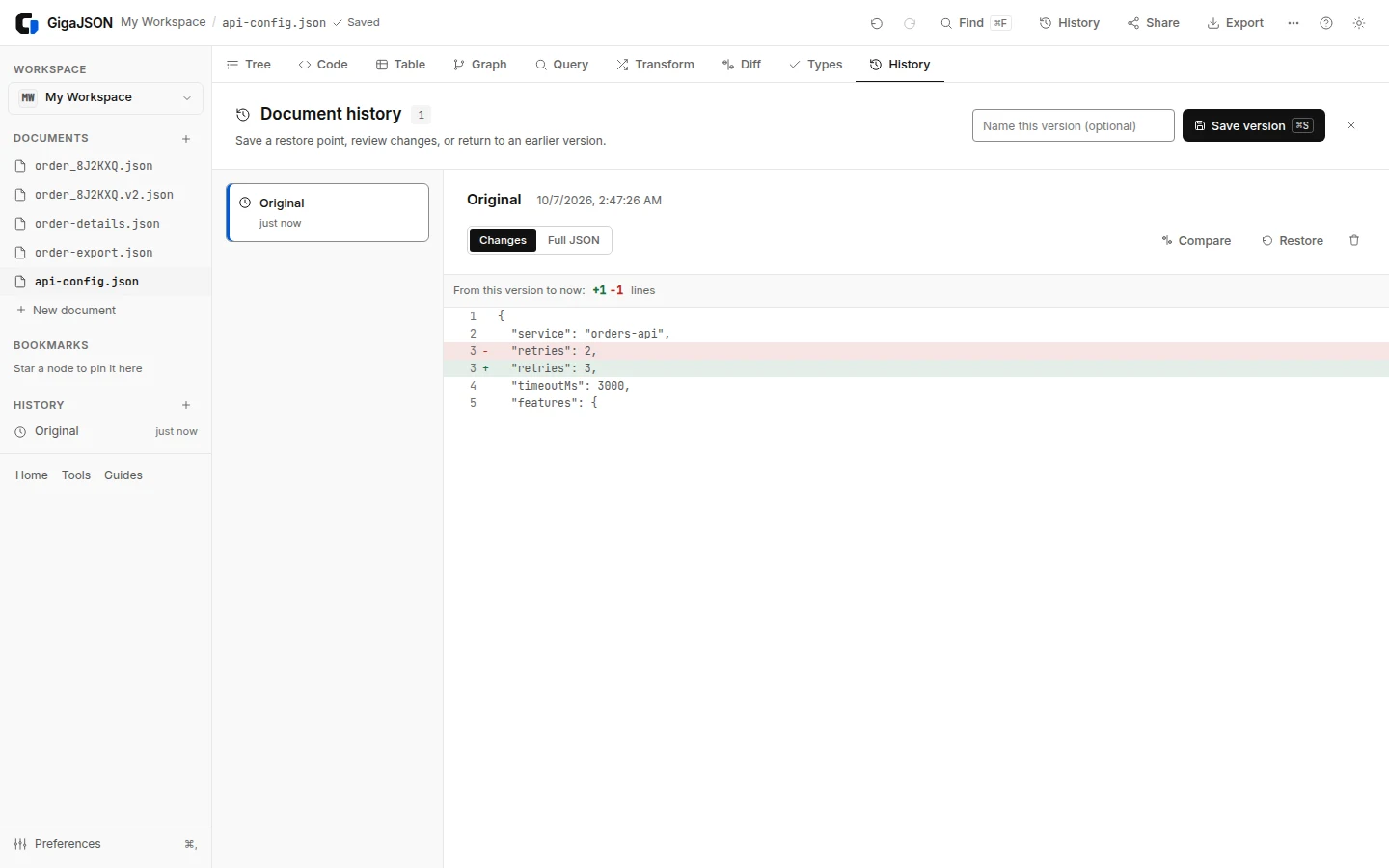
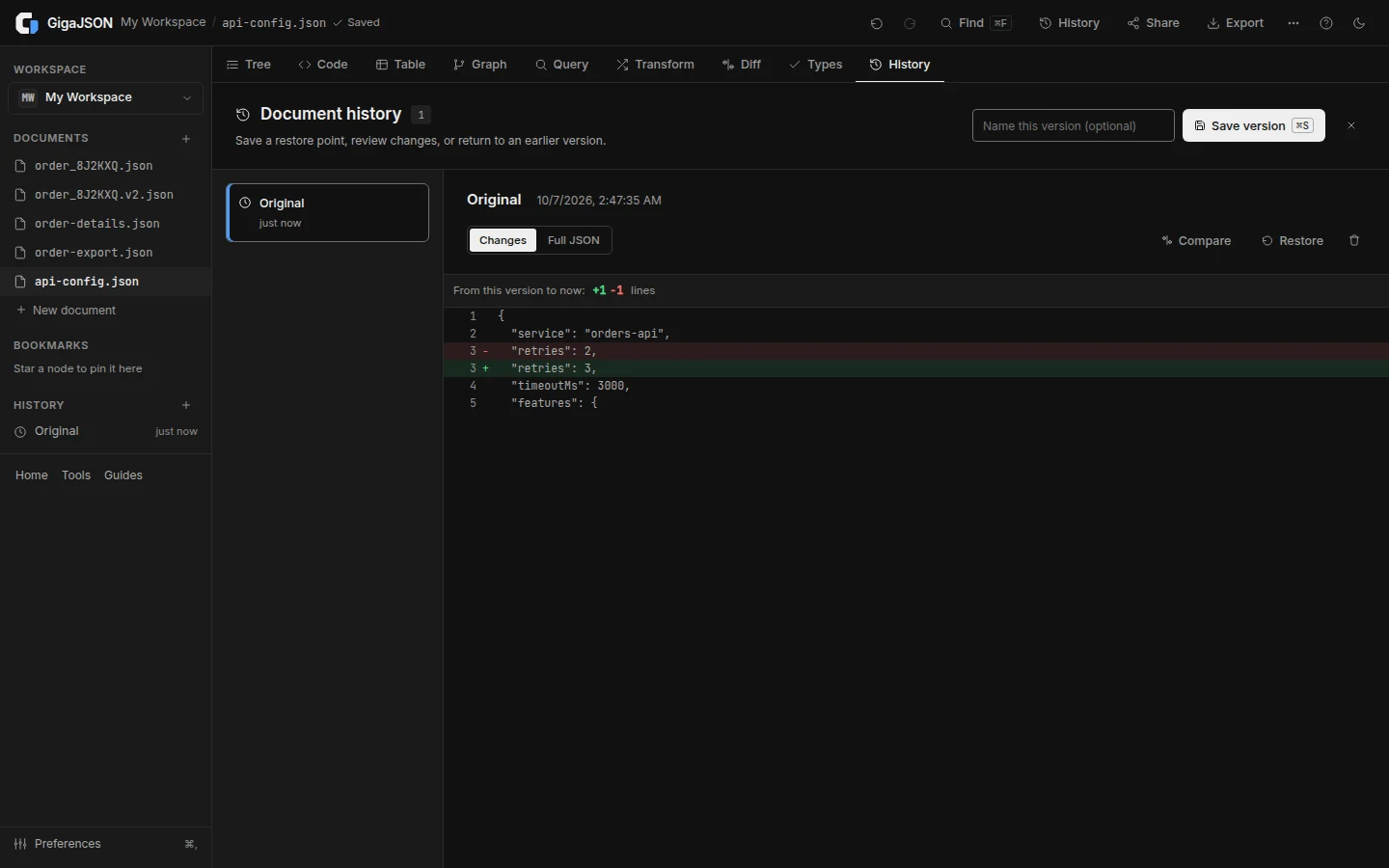
This is useful for trying a cleanup or transform: you can inspect its effects before treating the result as finished. A change that makes JSON valid can still change its meaning, so review the values as well as the syntax.
Saved documents and versions live in local browser storage. Keep a separate downloaded backup for important data. Clearing site data or losing the browser profile can remove that working history.
A diff is only as precise as the parsed values
Formatting cannot recover a number that has already been rounded. A numeric identifier such as 12345678901234567890 exceeds JavaScript's safe integer range. If two documents are converted to ordinary JavaScript numbers first, comparing the displayed values may hide changes in their final digits.
Treat precision notices as relevant to the comparison. Prefer quoted strings for identifiers, and see how to preserve large JSON numbers before deciding that two large numeric IDs are equal. GigaJSON's workspace preserves the original source until you accept rounding; its parsed views and comparisons are not arbitrary-precision arithmetic.
When the browser comparison is not the right check
Use the tool for inspecting meaningful changes in manageable documents. Diffing huge documents may require more work and memory than simply opening them; large-file viewing support does not imply an unlimited diff operation.
For automated checks, define your rules in a repeatable test: whether key order matters, whether array order matters, whether a field can be ignored, and how numeric precision is preserved. A screenshot of a clean diff is useful evidence during debugging, but it does not replace that contract.
Start with the two-file comparison. Move into the workspace when you want edits, queries and restore points alongside the result.