Large JSON numbers: preserve 64-bit IDs without silent rounding
· 4 min read
You open a JSON export, format it, and save it. The file still parses. But a 20-digit customer ID now ends with different digits.
That can happen without a syntax error. JSON allows the number, while the program reading it may use a numeric type that cannot represent it exactly. In JavaScript, this matters for database IDs, event identifiers and other large integer values.
GigaJSON makes the problem visible: the workspace shows a precision notice, keeps the original source in its saved copy before rounding consent, and asks before an action writes rounded values. Understanding the limit is still essential—the warning does not turn ordinary JavaScript numbers into exact integers.
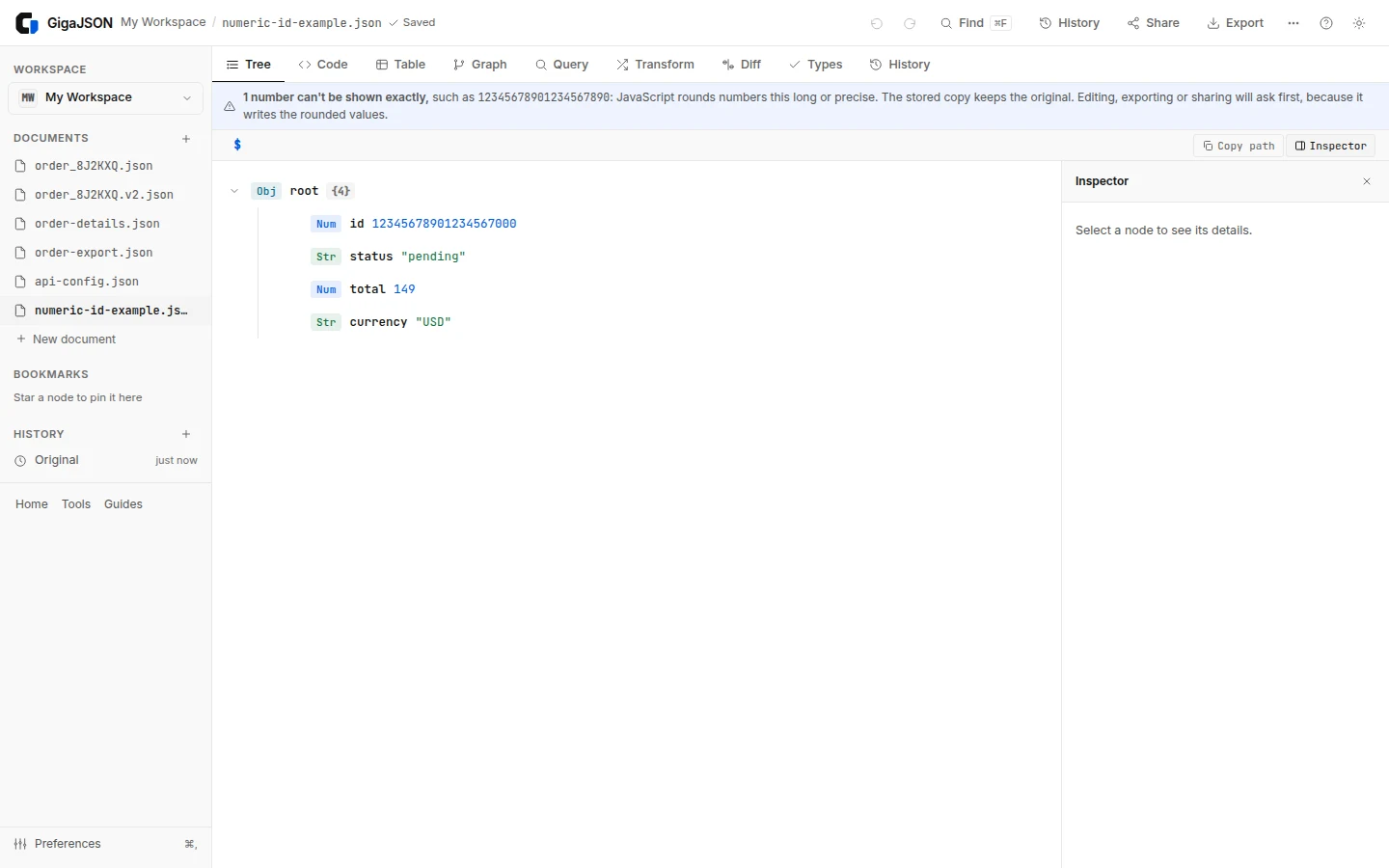
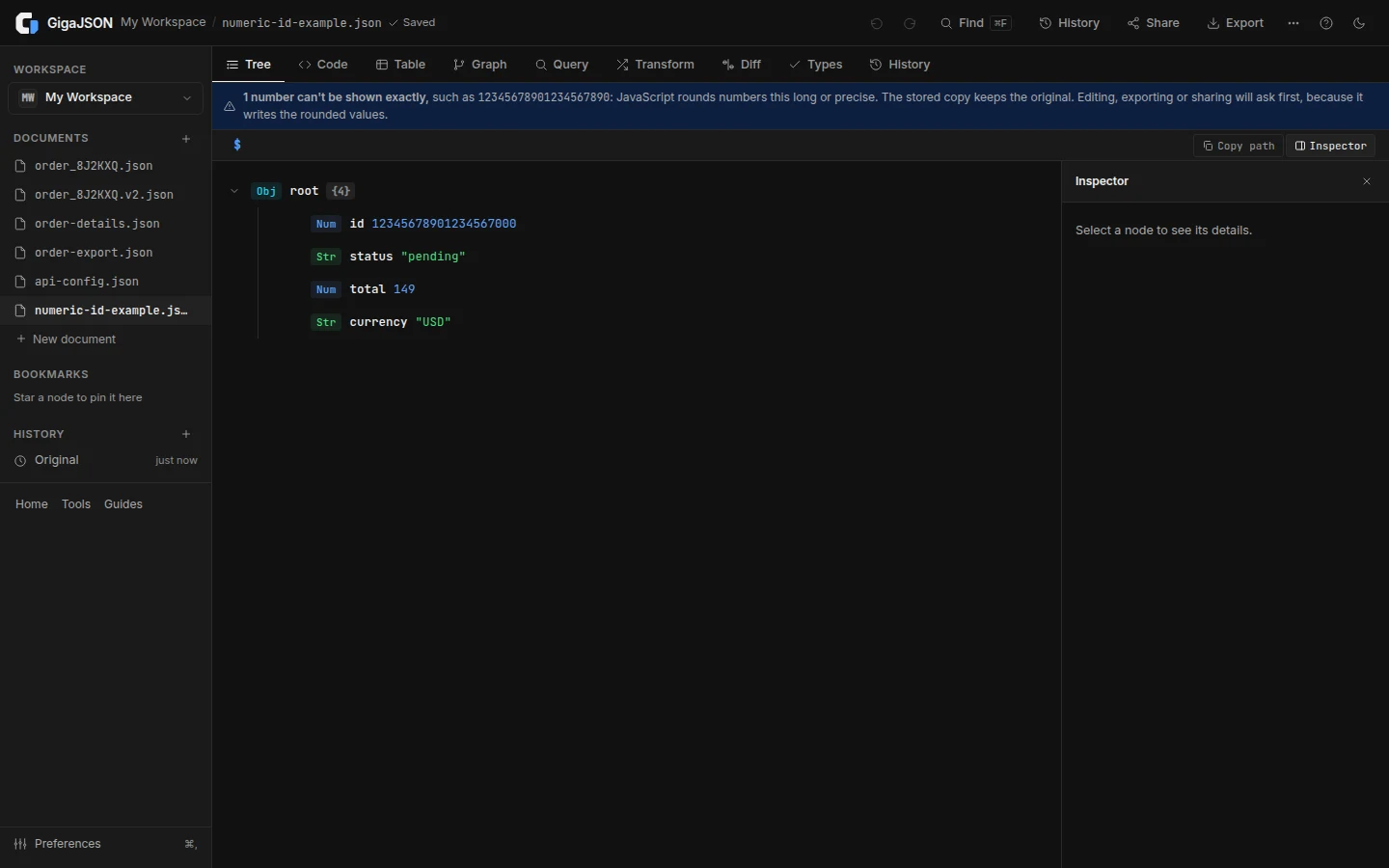
Valid JSON can exceed a reader's numeric precision
This is valid JSON:
{"id": 12345678901234567890, "status": "pending"}Try the following JavaScript:
const text = '{"id":12345678901234567890}';
const parsed = JSON.parse(text);
console.log(JSON.stringify(parsed));
// {"id":12345678901234567000}
The conversion happened during parsing. Adding indentation with JSON.stringify(parsed, null, 2) changes presentation, not precision.
JavaScript's maximum safe integer is 9007199254740991, or 2^53 - 1. Beyond that range, some integers are still representable, but neighboring integers are not all distinct. This is a safe-integer boundary, not JavaScript's largest possible number. MDN: Number.MAX_SAFE_INTEGER
The JSON specification permits implementations to limit numeric range and precision. It identifies the corresponding integer range as one where common implementations can agree exactly. A JSON validator therefore cannot promise that every consumer will preserve a valid numeric token. RFC 8259, numbers
Identifiers usually belong in strings
If a value identifies a customer rather than measures a quantity, arithmetic is often irrelevant. Representing it as a string preserves its digits across ordinary JSON readers:
{"id": "12345678901234567890", "status": "pending"}That also preserves meaningful leading zeros, such as "000042". The API producer should make this choice consistently. Changing the consumer after digits have already been lost is too late.
Keep the schema consistent too. If an API changes id from a number to a string, update its schema, client types and tests together. Do not assume that changing the JSON representation is invisible to downstream code.
BigInt helps only when it receives exact input
JavaScript can represent a large integer with BigInt, but the input matters:
const original = "12345678901234567890";
const exact = BigInt(original);
console.log(exact.toString());
// 12345678901234567890

const rounded = JSON.parse('{"id":12345678901234567890}').id;
console.log(BigInt(rounded).toString() === original);
// false
The second conversion accurately converts the number it received; that number is already different from the original token. Wrapping BigInt around a value from ordinary parsing is not a recovery method.
There is a serialization choice too. Bare BigInt values are not directly supported by ordinary JSON.stringify. MDN's BigInt documentation covers that boundary. If the receiving API expects a string identifier, serialize that string explicitly:
const id = BigInt("12345678901234567890");
console.log(JSON.stringify({ id: id.toString() }));
// {"id":"12345678901234567890"}
If the receiver requires an unquoted large JSON number, use a parser and serializer designed to preserve numeric tokens or arbitrary-precision values throughout that workflow. GigaJSON's parsed editor is not that kind of serializer.
What GigaJSON preserves, and what it displays
There are two distinct things in the workspace: the preserved source and the parsed values used for the views.
When GigaJSON detects a number it cannot show exactly, it opens the document with a notice naming the count and an example. The original digits remain in the stored source until you agree to rounding. The tree, queries and other parsed views use JavaScript numbers, so do not copy a displayed rounded ID and assume it is exact.
For larger documents, the precision scan runs in the background. An edit, export or sharing action that needs a decision waits for the scan; the app shows Checking the numbers… if needed. This keeps opening responsive without allowing a quick action to bypass the check.
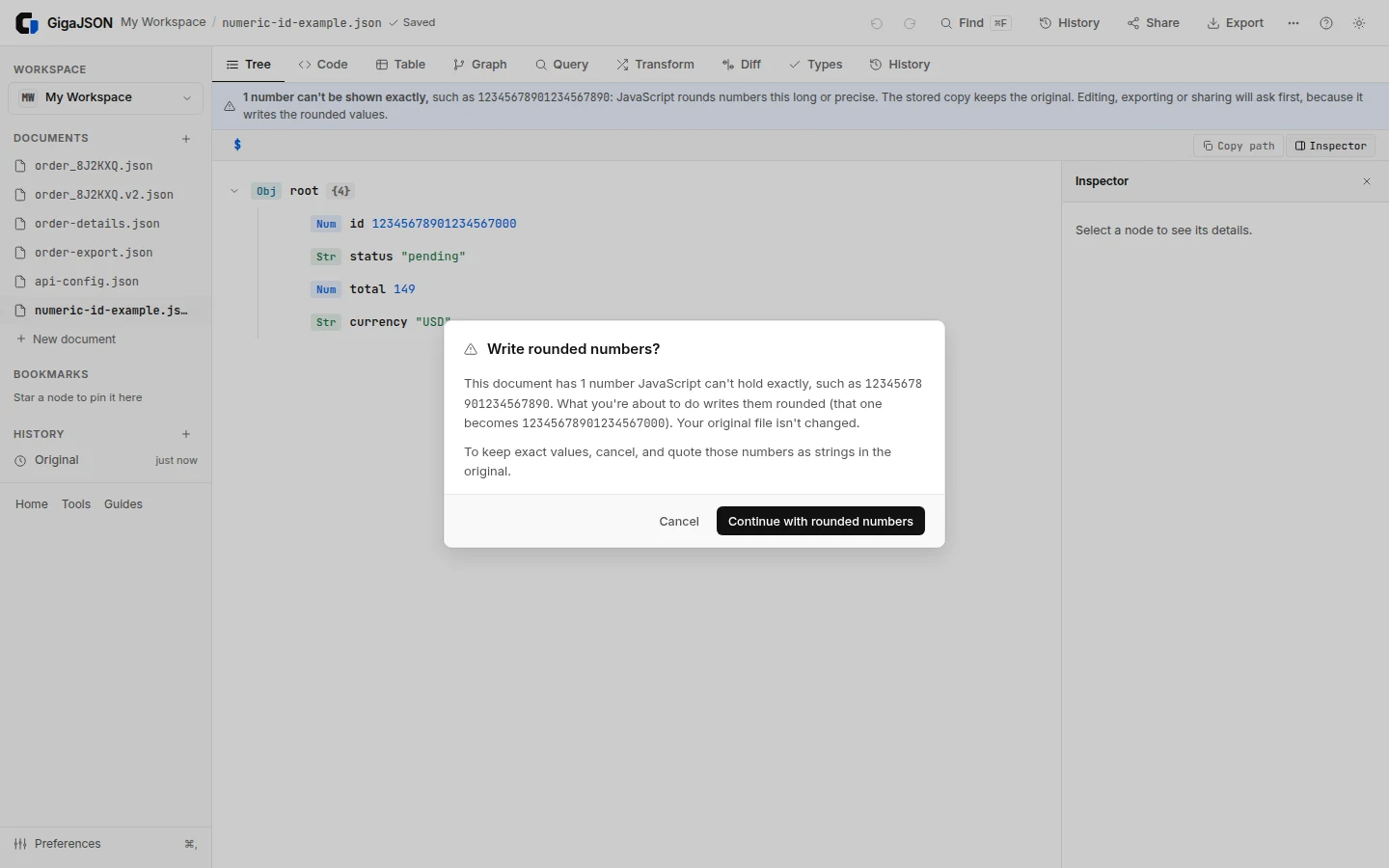
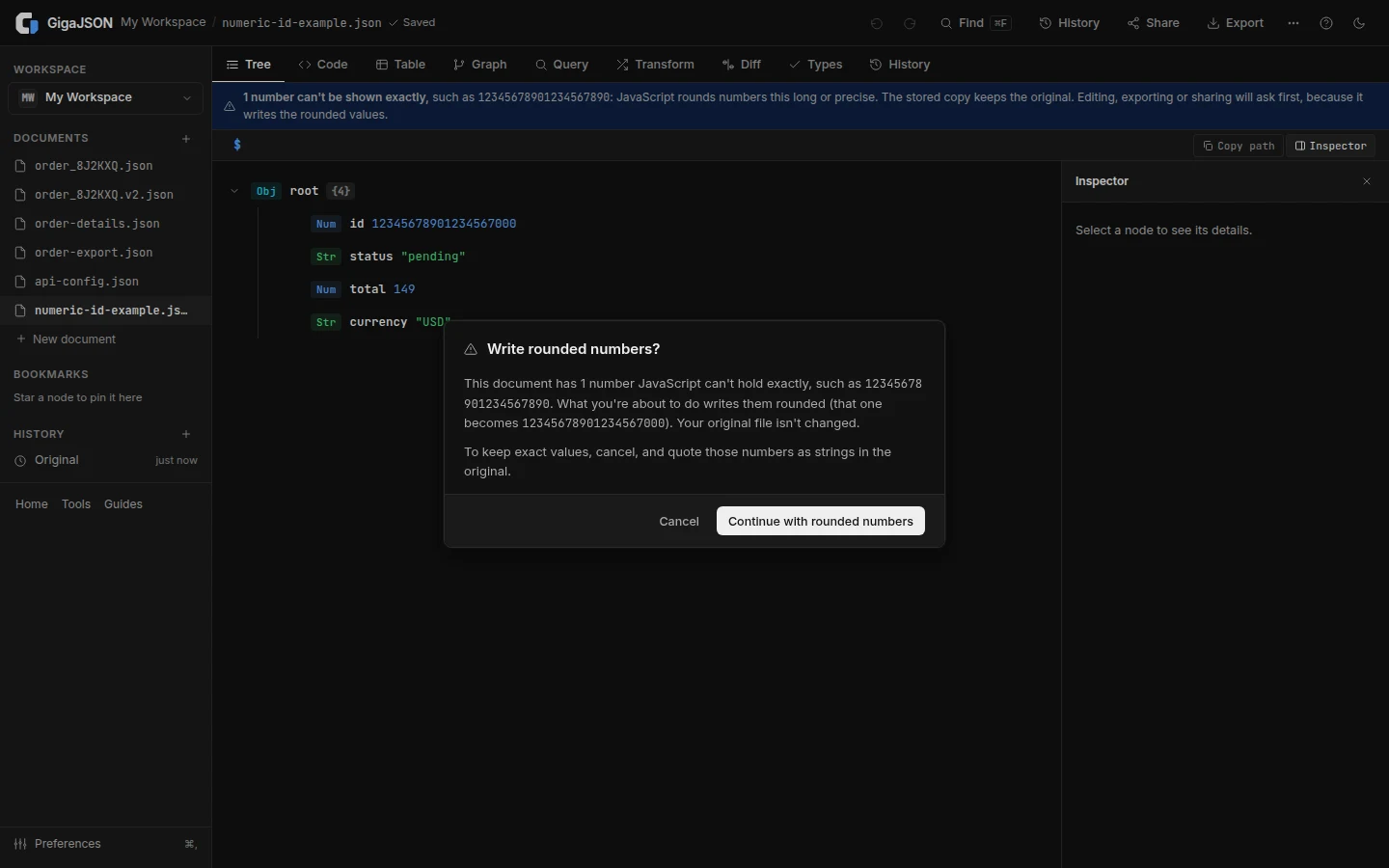
If you attempt an edit or export that writes rounded values, GigaJSON asks first and shows what the example number will become. Cancel leaves the pending action unapplied. Continue accepts rounding for that document; it is not a lossless export option.
This protection also applies to JSON Lines opened in the workspace. Individual tool pages and the extension viewer disclose rounded output, but do not assume every surface has the same workspace storage and consent flow.
A safer workflow for numeric IDs
- Keep the original export. Browser working storage is not your only backup.
- Look for a precision notice before editing or copying values. A valid document can still contain imprecise parsed numbers.
- If exact IDs matter, cancel rounding. Prefer an export from the source system that writes identifiers as strings.
- Verify the result with a known ID. Include the full digits in a fixture and compare them as text, not as JavaScript Number values.
If you must convert an existing file, use a parser that reads its integer tokens exactly before changing them to strings. For this small example, Python's standard JSON parser preserves integer values, so the conversion can happen before any JavaScript Number is involved:
import json

text = '{"id":12345678901234567890,"status":"pending"}'
data = json.loads(text)
data["id"] = str(data["id"])
print(json.dumps(data))
# {"id": "12345678901234567890", "status": "pending"}
This example converts one known integer field. It is not a general exact-decimal converter, and it does not guess which fields in an arbitrary document are IDs. For nested records, define the intended fields explicitly and test the output against the receiving schema. Python JSON decoder documentation
Open a sample in GigaJSON to inspect the notice before using real data. If your next step is comparing two exports, read the JSON diff guide too: two rounded display values are not proof that the original IDs matched.