A JSON Editor Online alternative for large files
· 3 min read · By Amir Badi
JSON Editor Online is a mature editor: two panels, tree, text and table modes, a transform wizard and a good diff. It also has limits that matter once your file is big. The editor keeps your work in the browser only up to 1 MB per document, and a free cloud document is public to anyone who has its link. If you work with large exports, try GigaJSON. It opens JSON files up to 1 GB, saves them in your browser at that size, and uploads nothing.
We make GigaJSON, so read this as our view, not an independent review. I read JSON Editor Online's documentation and pricing on 6 November 2026.
What the 1 MB limits mean
JSON Editor Online's documentation says documents are "automatically persisted in your browsers local storage" so you don't lose work, and that "the size of these documents is limited to 1 MB". Cloud documents have "a limit of 1 MB" too. You can still open a bigger file from disk, up to 512 MB according to its FAQ, and the docs pick a faster parser for documents over 10 MB. It just isn't kept for you when you close the tab.
The cloud has a second catch. Without a paid plan, cloud documents are public: the docs say anyone who knows the id can view and edit them, and they warn against saving sensitive data there. The plans are free with ads, $2 a month for no ads, and $5 a month for private cloud documents (still 1 MB each).
GigaJSON keeps documents in the browser's own file storage, at any size up to the limit, with a version history for each one. Nothing goes to a server, so there's nothing public to worry about. The trade-off: there's no cloud, so you can't open the same document on another computer. Download it, or use JSON Editor Online's sharing for small documents.
Side by side
| JSON Editor Online | GigaJSON | |
|---|---|---|
| Opens | Up to 512 MB (its FAQ) | Up to 1 GB |
| Kept in the browser | Up to 1 MB per document | Up to 1 GB, with versions |
| Cloud documents | Public free, private on the $5 plan, 1 MB each | None |
| Views | Text, tree, table, two panels | Tree, Table, Code, Graph, Diff, History |
| Queries | JSON Query, JMESPath, JSONPath, JavaScript with Lodash | JSONPath, JMESPath, jq |
| Repair | Yes (jsonrepair) | Yes (jsonrepair, changes shown first) |
| Ads | Free plan | None |
Both use the same open-source repair library, jsonrepair, written by JSON Editor Online's author.
Large files in GigaJSON
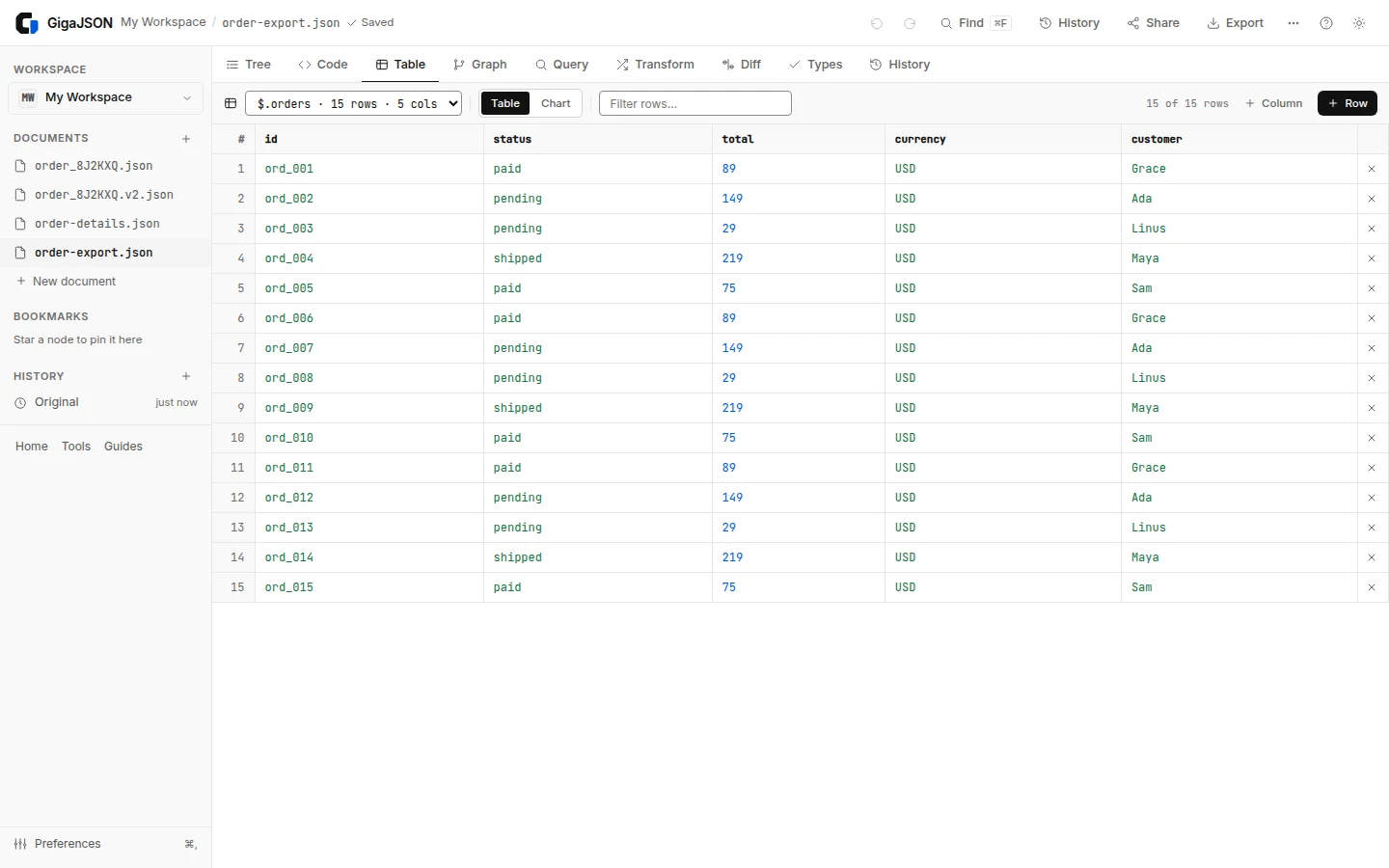
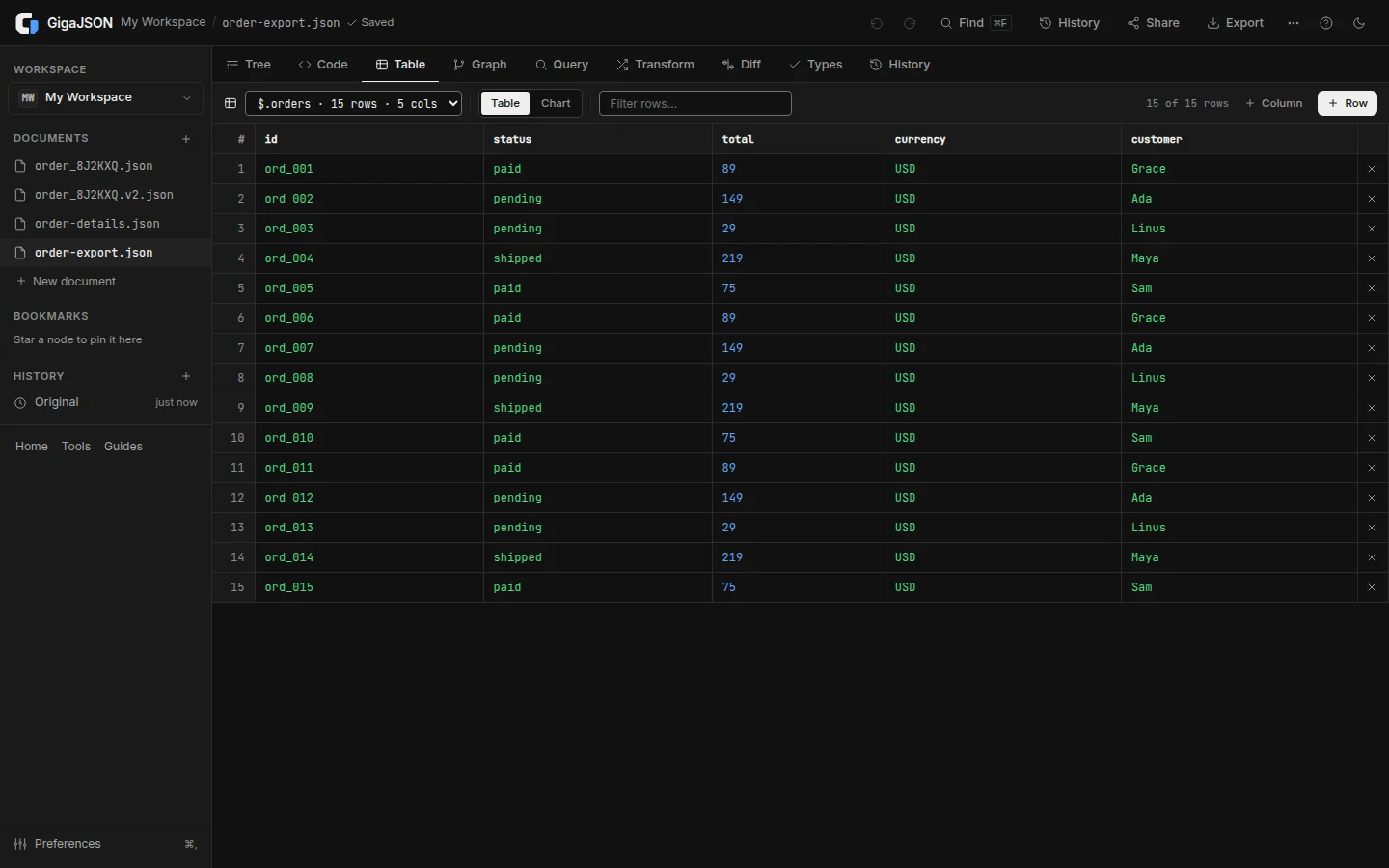
GigaJSON parses in a background worker and draws only the rows on screen. In our October benchmark a 200 MB file opened in 2.1 s, 500 MB in 9.3 s and 1 GB in 18.3 s (medians of three runs on one laptop; see the large-file guide). The tree and the table work on the whole file, and so do JSONPath and JMESPath queries, find, and edits with undo.
Some parts have their own limits:
- The text editor holds up to about 100 MB of formatted text. Past that you get a read-only text view and can edit the node you select.
- jq takes inputs up to about 20 MB. JSONPath and JMESPath have no such limit.
- Diff compares documents up to about 500 million characters of text.
- The default limit is 512 MB; raise it to 1 GB in Preferences if your computer has the memory.
When to keep JSON Editor Online
If your documents are small and you want to share one with a link, JSON Editor Online does that and GigaJSON doesn't. Its two panels make it quick to transform one document into another, and its Lodash queries are handy if you think in JavaScript. For files in the hundreds of megabytes, or data you'd rather not put in a public cloud, open them in the GigaJSON JSON editor. For a quick look without the app, the Large JSON Viewer opens a file as a tree or a table.