A Big JSON Viewer alternative for 500 MB and 1 GB files
· 3 min read · By Amir Badi
Big JSON Viewer is one of the first results when you search for a large JSON viewer, and for small and medium files it does what it says: drop a file, get a tree, double-click a value to read it in full. Its site says it was tested with 500 MB. That's the size where I wanted to know what happens, so I ran the same files through it and through GigaJSON's large JSON viewer.
We make GigaJSON, so take this as our test, run the way we describe, not as an independent review. The numbers are from 28 September 2026. Both tools may have changed since, and the best check is your own file.
How we tested
Same laptop for both (Intel i5-9300H, 23 GB of RAM), headless Chrome 154, a fresh browser for every run. The file went to each page's file input exactly as a file picker hands it over, and the clock stopped when the tool showed the document. The files were valid JSON from our benchmark generator: a list of orders with customers, line items and totals, the same data the benchmark page publishes.
The results
| File | Big JSON Viewer | GigaJSON |
|---|---|---|
| 200 MB (13.8 million items) | Opened in 10.2 s. The page was frozen for 10.1 s of that, the longest single freeze 5.8 s. | Opened in 1.3 s. Never frozen. |
| 500 MB | The tab stopped responding (we couldn't even take a screenshot) and showed nothing after 11 minutes. | Opened in 8.8 s. Never frozen. |
| 1 GB | Failed with "SyntaxError: Unexpected end of JSON input". | Opened in 17.4 s. Never frozen. |
The 1 GB error is the browser's string limit: a JavaScript string can't hold a whole gigabyte of text, so any tool that reads the file into one string and calls JSON.parse on it stops there. The freezes at 200 MB come from parsing on the page's own thread. While that runs, the page can't scroll, repaint or answer a click.
GigaJSON avoids both. It reads the file as bytes in pieces, parses it in a Web Worker, and the page only ever asks for the rows on screen. Opening a large JSON file explains those three rules and how to apply them in your own code.
Where Big JSON Viewer is fine
Below 100 MB or so, I wouldn't switch tools for speed. Big JSON Viewer opens small files instantly, the double-click to read a long value works well, and it made no network requests while it loaded our files, so the data stayed on the machine. If all you need is to look at a few-MB API response, either tool does the job.
It is a viewer only: there are no editing controls. That's a fair choice for a viewer, and GigaJSON's viewer page is read-only too. The difference is what comes next.
What you get beyond a tree
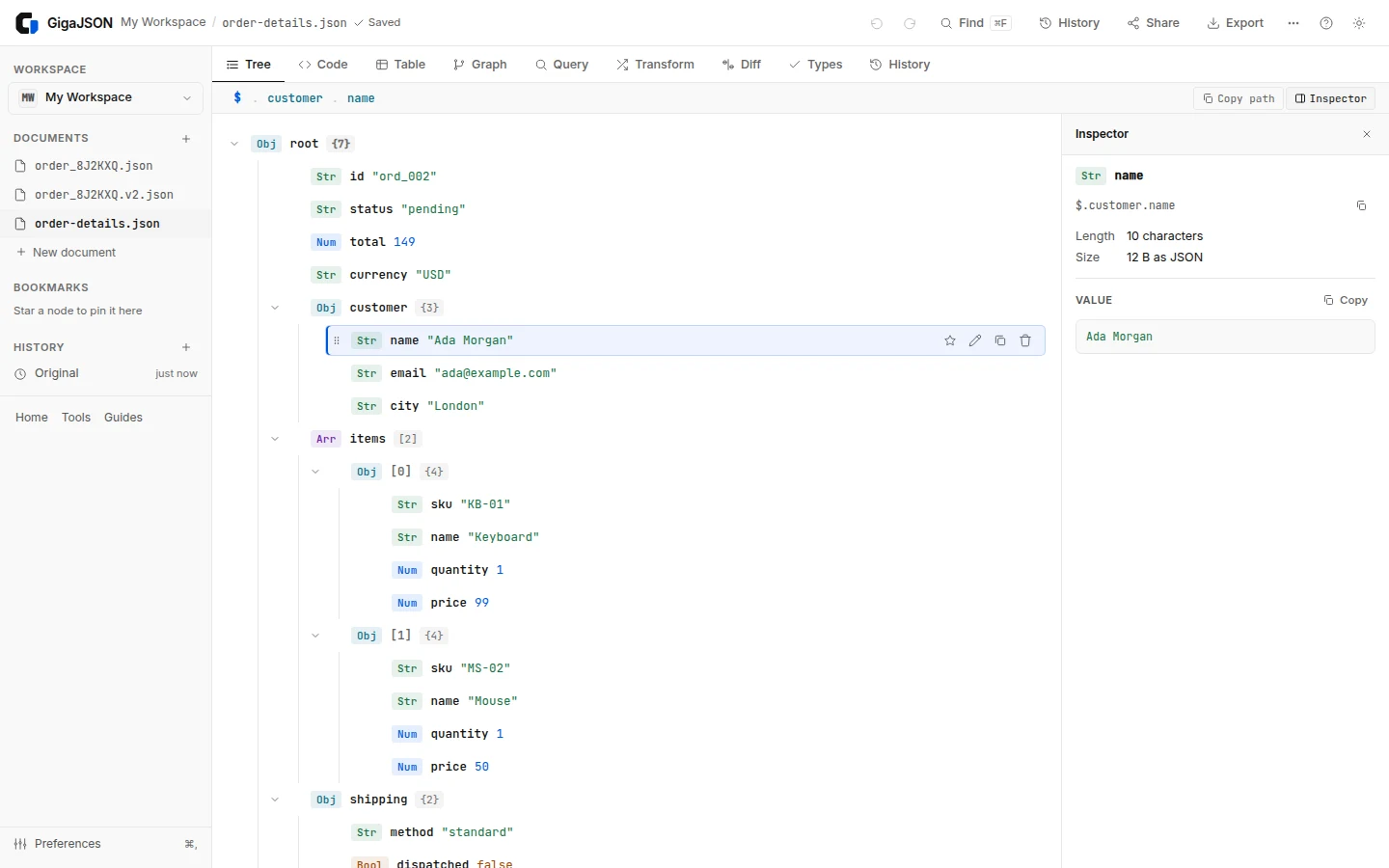
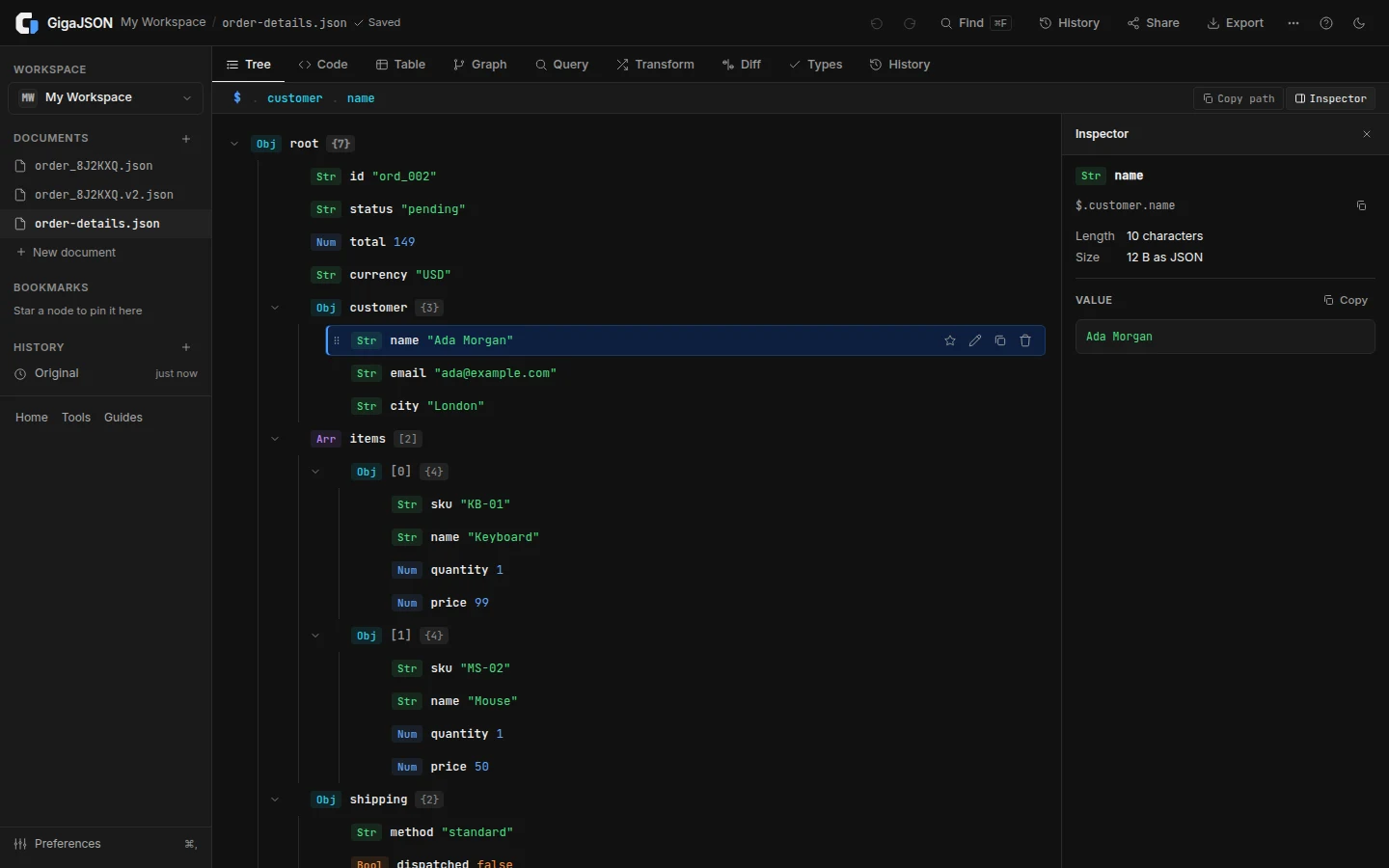
- A table. Open a list of records as rows and columns, then sort and filter them. For 50,000 similar orders, that finds the odd one faster than unfolding branches.
- Queries. JSONPath, JMESPath and jq run over the whole document (jq up to 20 MB of input).
- Editing. "Open in GigaJSON" moves the file into the app, which edits documents up to 1 GB with undo, version history and export to CSV, Excel, YAML or XML.
- JSON Lines.
.jsonland.ndjsonlogs open in the JSON Lines Viewer with one row per line.
When neither is the right tool
Past about 1 GB, a browser stops being the right place. A desktop viewer such as Dadroit or JSONBolt reads multi-gigabyte files far faster than any web page can. If you only need part of a big file, cut it first: the JSON Splitter splits by record count, size or field value in the browser, and jq --stream does it in a terminal.
To try it, open your own file in the large JSON viewer. Nothing is uploaded.